Hand it off in plain words
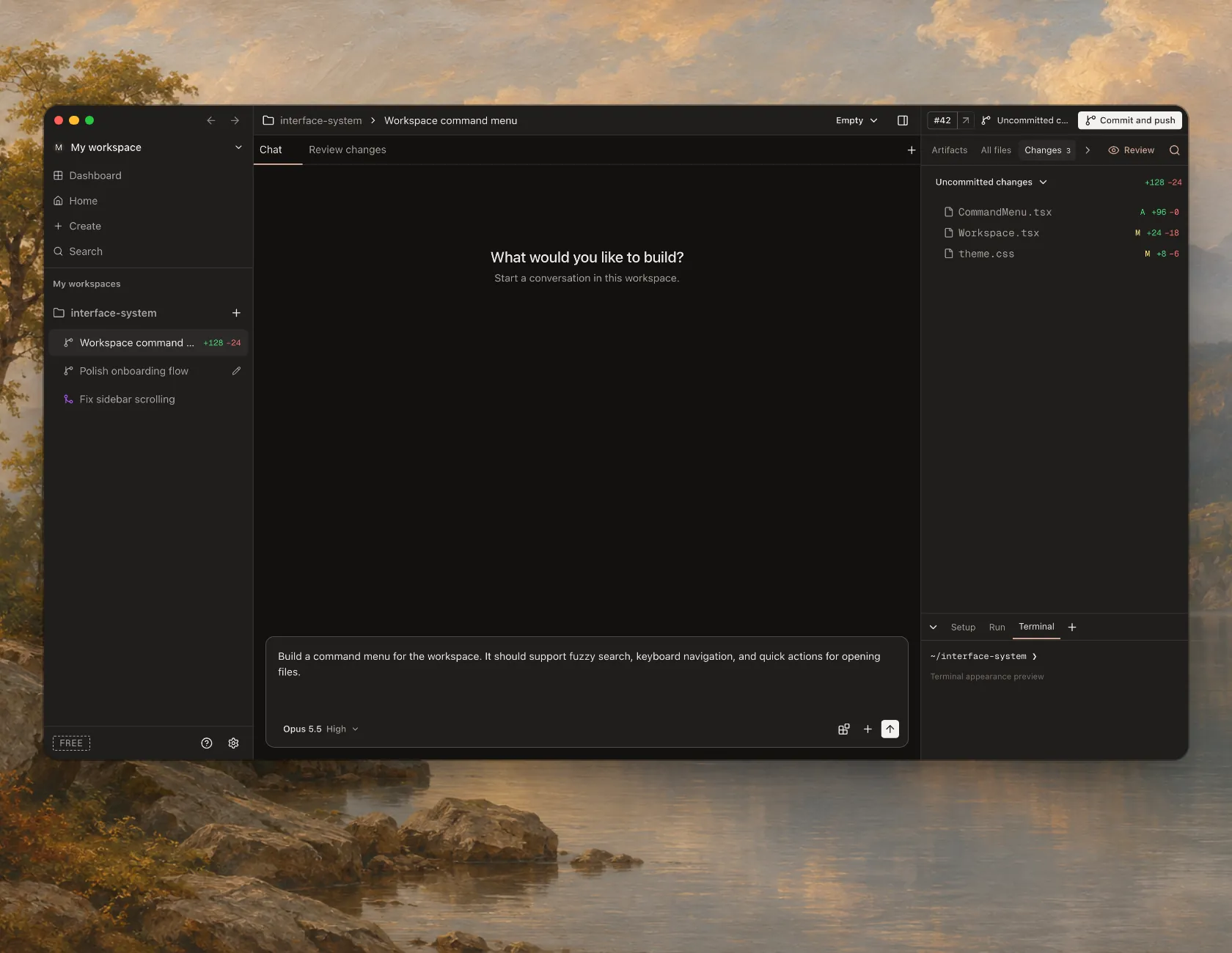
Write what you want done, pick a brain, press Send. There is no command line: the machine picks it up and works it on its own.
┌┐└┘ the Aura desktop
// Cloud machine
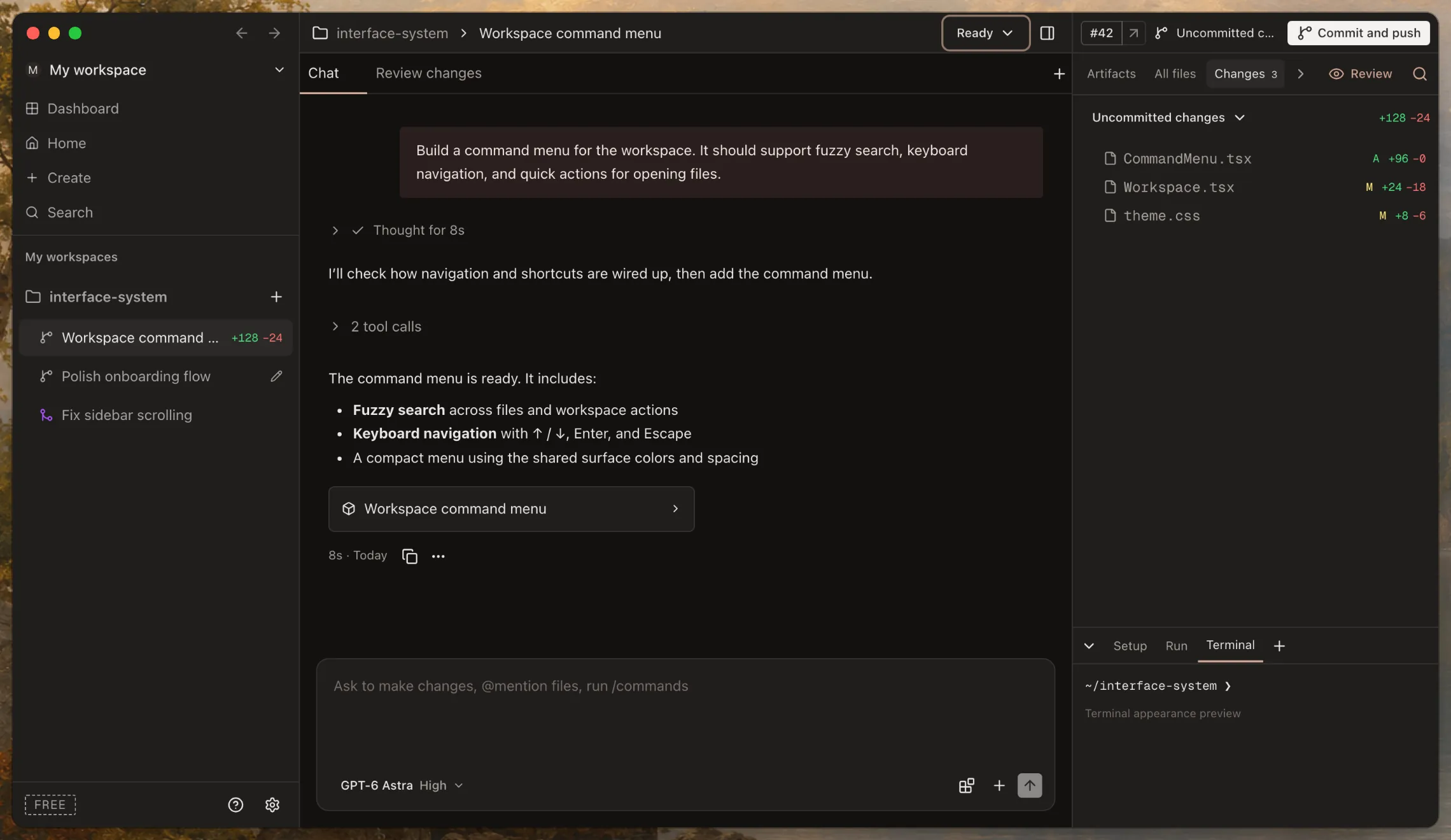
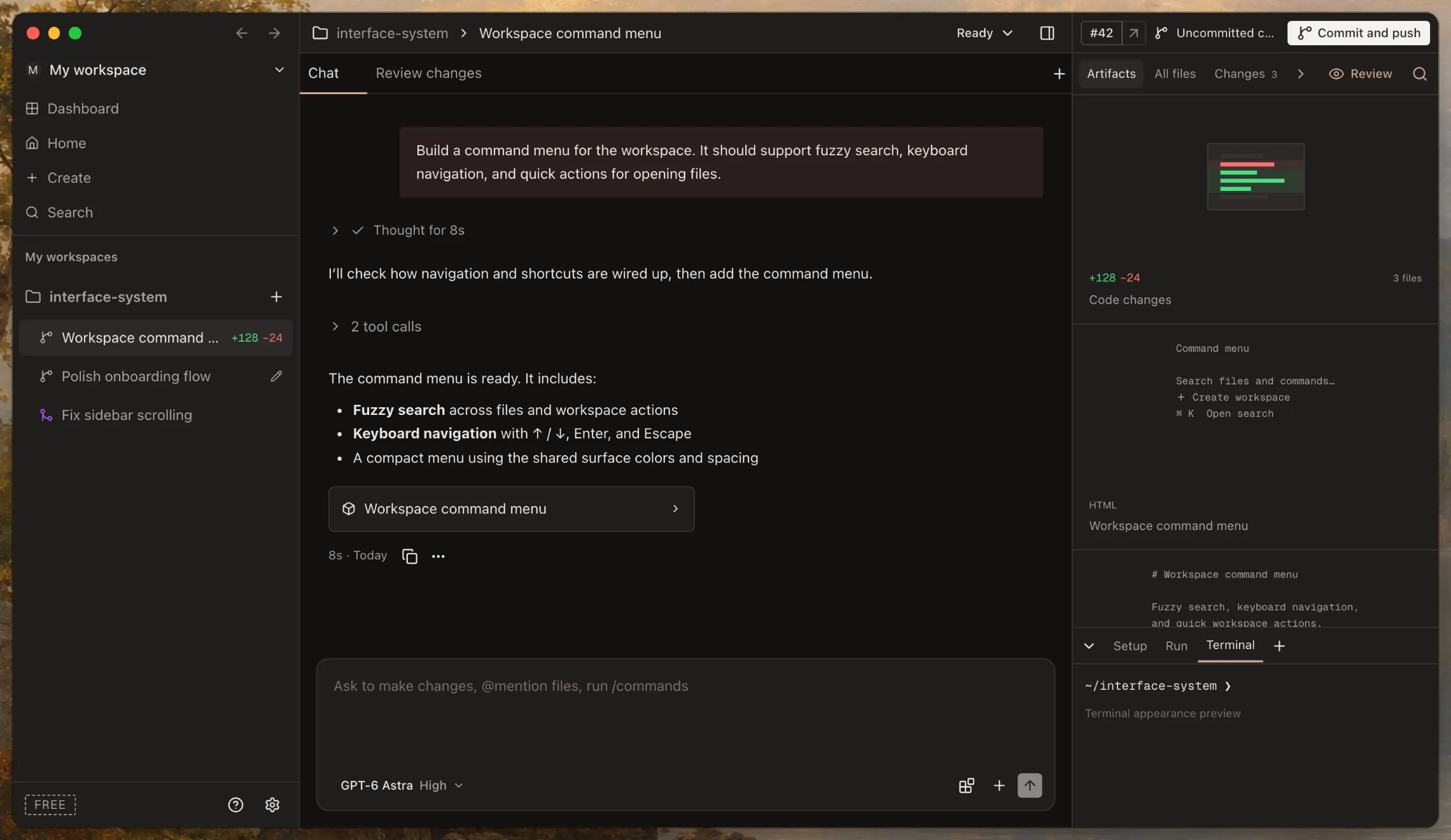
Connect an always-on machine, write what you want done in plain words, and hand it off: no terminal, no SSH. It keeps running while your Mac is closed, and when it is finished the work lands back in your queue, tied to the commit and the proof that delivered it.
No terminal, no SSH, just plain wordsRuns on while your laptop is closedResults come back proven, in your queue
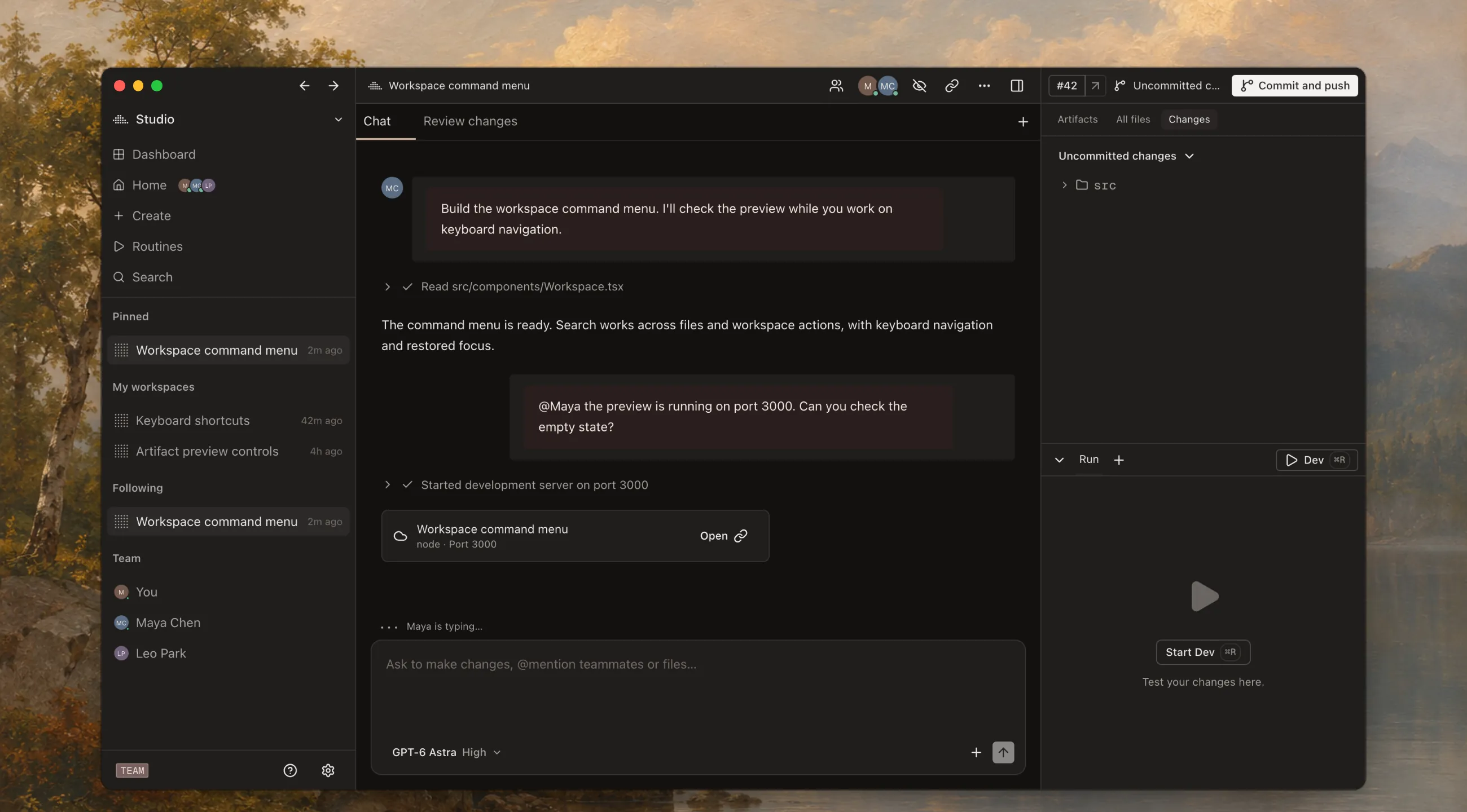 fig. 01 · the Aura desktop · the cloud workspacethe changesthe artifact
Move the work, not yourself. Connect an always-on machine once, describe the job in plain words, and hand it over — no terminal and no SSH. It keeps going while your laptop is shut, and the result comes back tied to the commit and the proof that delivered it.
Write what you want done, pick a brain, press Send. There is no command line: the machine picks it up and works it on its own.
the Aura desktopThe machine keeps running when your Mac sleeps, so a long job finishes overnight instead of pinning your laptop open.
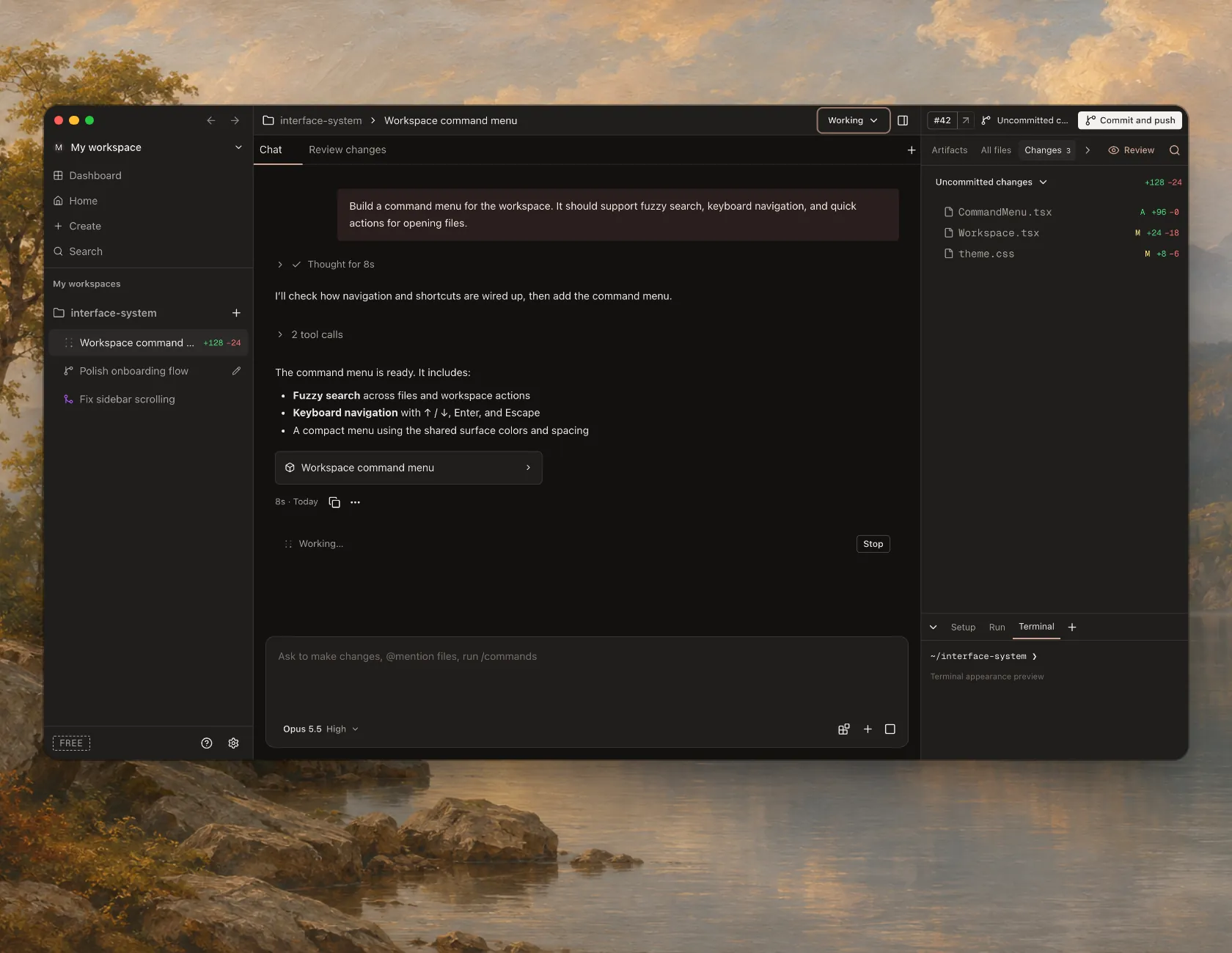 the Aura desktop
When it lands, pull it into your queue: tied to the exact commit and the proof it delivered, not a wall of log output.
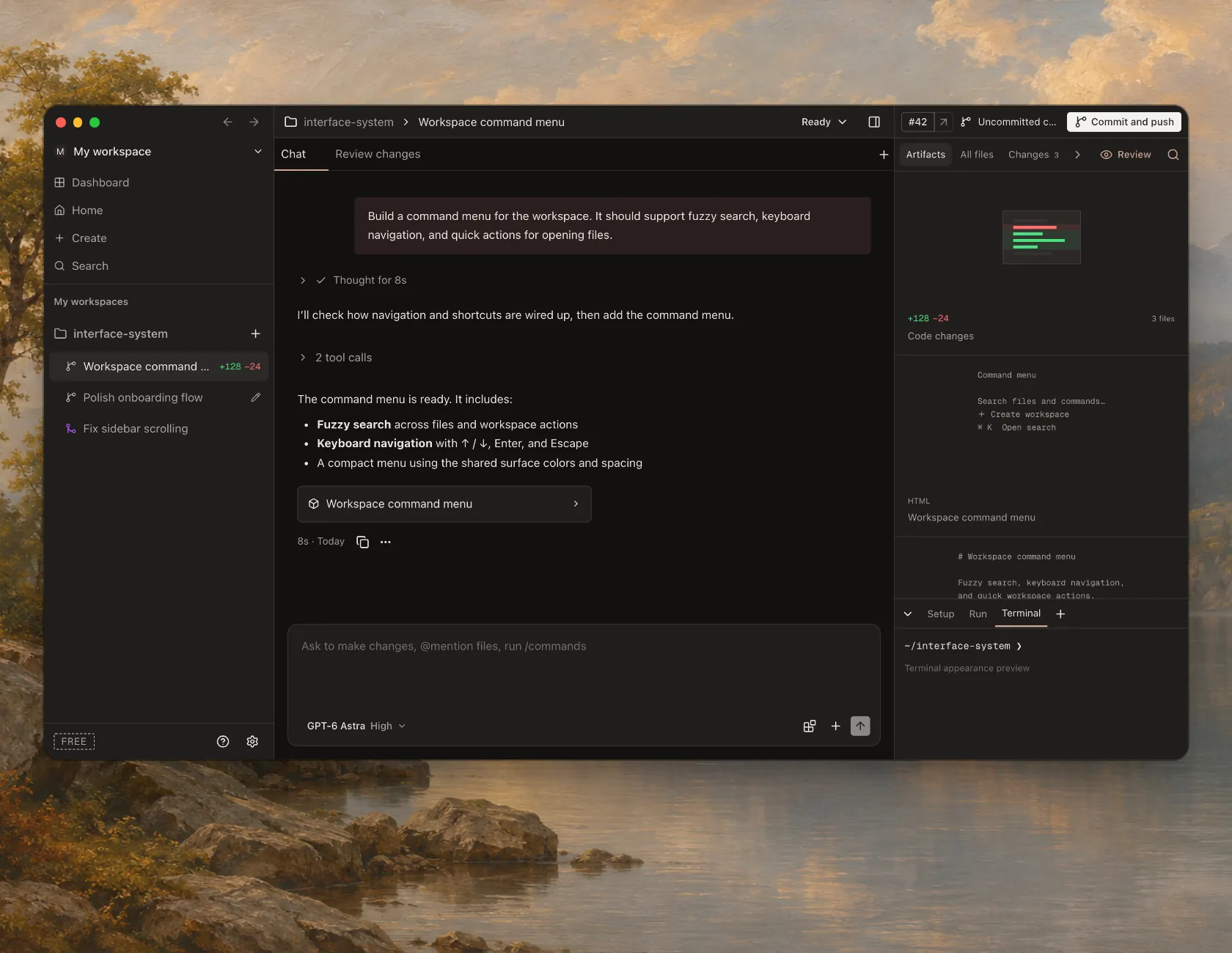 the Aura desktop
Every agent, task and PR in one window
The autonomous work-loop that ships proven fixes
Semantic diff, intent on every commit, PRs
Every change tied to the goal it delivered
Recall an agent can query before it edits
A live awareness plane so agents never collide
Free public beta, Apple Silicon. Also for Intel Macs, Linux arm64 and Linux x86_64. The CLI installs with curl -fsSL https://auravcs.com/install.sh | bash