Product · Changelog

Changelog

Every release, from the first AST commit to today. Aura ships fast and breaks nothing: here’s the whole story, newest first. Open any release for the full detail.

Chapter

Connected to your stack

Aura meets the tools teams already live in: Linear, your own AI cloud, Graphite, Vercel, and the editors you use.

August 23, 2026
v0.19.41Latest

When macOS says no, Aura says which folder

  • Aura would refuse to switch on for a project and leave you with an error code and a Try again that could never work. The cause was macOS blocking access to a folder — and Aura had no way to know which folder, and no way to ask for it.
  • It asks now. Aura checks the folders a project needs before it does anything else, from the app itself rather than through a helper it launches. That check is what makes macOS put up the permission panel at all: a helper cannot raise it, so an app that only ever asked through one was never asking.
  • And when the answer is still no, the message names the folder. The confusing case is a linked copy of a project: the folder on screen is fine, while the Git folder behind it lives somewhere else entirely, usually inside Documents. The old message said “this folder”, which was true of a folder that was working perfectly.
  • The button now opens the setting instead of retrying. Full Disk Access is one switch, and pressing Try again before you flip it can only ever fail the same way.
  • It fixes your coding agents at the same time. Claude, Codex, Gemini and the rest were being refused those same folders for the same reason, and reported it as an internal error.
FixA project Aura could not switch on gave an error code and an endless Try again — Aura now checks the folders itself, which is what prompts macOS for access
FixThe permission message named the folder you were looking at rather than the one being refused, which for a linked copy is a different folder entirely
FixThe button offers Full Disk Access when that is the fix, rather than a retry that cannot succeed until it is switched on
FixmacOS asked for access with no reason attached, because Aura never said what it needed Documents, Desktop or Downloads for
FixCoding agents launched by Aura hit the same refusal and reported it as an internal error
August 23, 2026
v0.19.40
Milestone

Run git on a machine you own

  • One command turns a machine you own into a git server. aura node serve on any box — a spare laptop, a VM, a server in your office — and your projects live there. It speaks git itself, so anyone can clone from it with the git they already have: no plugin, no account, no Aura required on the other end.
  • And it can follow a repo that lives somewhere else. Point it at a GitHub or GitLab project and it keeps a live copy on your box, refreshed on a timer. Agents that clone the same project fifty times a day stop hammering the forge and stop running into its limits, and the copy is still there on the day the forge is not.
  • Every branch that moves on your box is signed as it moves. Each change is written into a running record that carries its own proof, so the record cannot be quietly rewritten later — and if a copy you already have is ever replaced by a shorter history, the next clone says so instead of silently accepting it.
  • One box can follow another box. Aim a copy at another Aura machine and you have the same project in two places, each keeping its own signed record — a second copy in another building, another region, or another country, without anyone else holding it.
  • It is free, in every tier, and it always will be. It runs on hardware you already pay for, so there is nothing for us to meter. Your code never touches our servers to make any of this work.
  • A fix that mattered more than it looked: cloning a project of any real size from your own box failed outright. Git compresses a large request and Aura was reading it as though it had not been, so anything past a handful of branches died mid-clone. Only tiny test projects had ever been served, which is why it went unseen.
  • The web console has Chat. app.auravcs.com now opens on the same conversation with Aura that the desktop has — same history, same reply, still running on your machine — with a Home/Chat switch in the sidebar and the sessions you have open beside it.
  • “Online now” stops reading zero. The desktop tells your team it is there, so the people working alongside you show up as working, and the roster says what each of them is on rather than linking away to find out.
  • What your team spends finally shows up. The cost screen had a server, a table and a page, and nothing that ever sent it a number — so it read $0 for everyone, on every plan, no matter how much had been spent. Every machine now reports what its models cost, and the history that was already on disk is sent up the first time.
  • The real Aura mark, everywhere. The old flower was still standing in for the logo in about half the product — the tab icon in your browser, the app icon on your phone, and several screens inside the app.
Newaura node serve hosts your projects over plain git — any git client can clone from it, with no plugin and no account
Newaura node mirror follows a GitHub, GitLab or Aura project and keeps a live copy on a machine you own
Newaura node serve --mirror-interval refreshes every copy on a timer, and one bad login cannot stall the rest
NewA copy refuses to be pushed to, and names the project it follows, rather than accepting work the next refresh would erase
NewPointing a copy at another Aura machine replicates it, so the same project can live in two places you own
NewEvery branch that moves is signed into a record that carries its own proof, and a history that has been shortened is caught on the next clone
FixCloning a project of any real size from your own machine failed outright — a compressed request was being read as though it were not
NewThe desktop installs the piece git needs for aura:// addresses alongside the CLI, so the first clone works
NewThe web console gains Chat — the same conversation with Aura the desktop has, running on your machine
NewThe console sidebar has a Home/Chat switch and changes with the mode instead of staying the same list
New“Online now” counts real people: the desktop advertises that it is there, and the roster says who is working on what
FixThe cost screen read $0 for everyone because nothing ever reported spend; machines now report it, including the history already on disk
FixThe old floral mark was still the logo in half the product — browser tab, phone icon, and several screens
FixThe console’s workspace and org pickers looked like controls and did nothing
FixChanging org in the console could leave the first screen hanging on an empty cache
FixRe-stamping a project from a different account left a dead hook behind that quietly stopped recording
August 20, 2026
v0.19.39
Security

Your project can say no to an agent

  • A project can refuse things outright, not just ask. Until now every risky thing an agent did arrived as the same question waiting on a click — which cannot say “nobody here does that”, and only works if somebody happens to be watching at the moment it lands. A new Authority section in your project settings answers three questions once, in writing: deleting something other code may be calling, editing a file a teammate is holding, and sending work off to another machine. Each can be allowed, asked about, or refused, and a refusal cannot be clicked past.
  • The rules live in the project, in writing. They sit in the settings file that goes into your history alongside the code, so a change to what an agent may do turns up in a review like any other change.
  • A typo makes an agent do less, never more. An unreadable rule, a missing section or a missing file all fall back to asking, so getting the spelling wrong can never quietly grant something.
  • Saying yes once means once. These three prompts no longer offer “always allow” — “yes, delete this function” must never quietly become “yes, delete anything”. A standing yes is a rule you write down, where it can be read.
  • The wall of red “unexplained change” rows is gone. A build or a formatter touching a lot of files at once could fill the screen with things to accept or revert, because Aura briefly stopped recording reasons while it waited out a cooldown. Recording never pauses now, and working out why something changed is Aura’s job rather than a question that interrupts you — the reasons still land in your history, and the check that runs when you commit is unchanged.
  • Nothing changes until you write a rule. The starting point is exactly what it was.
NewAn Authority section in project settings answers Allow, Ask or Refuse for three risky acts — and a Refuse cannot be clicked past
NewThe rules are committed with the code, so a change to what an agent may do shows up in a review
NewAn unreadable or missing rule falls back to asking, so a typo narrows what an agent may do rather than widening it
BreakingThese three prompts no longer offer “always allow” — a standing yes is a written rule, not a click
FixA burst of writes no longer fills the screen with red “unexplained change” rows; attributing a change happens in the background
FixDeleting an exported TypeScript constant is now caught by the deletion check, which had been reading “const” as a modifier
FixScreens that said “place” now say “machine”
August 18, 2026
v0.19.38

A parallel copy opens where you want it

  • This build was never published on its own. Everything below reached people inside 0.19.39.
  • A new parallel copy stops assuming you want a chat. Making a copy of a project always dropped you into an Aura chat, which is one opinion about how you work — and the wrong one if you drive Claude Code or Codex from a terminal, or if you only wanted to read the code. Settings → Copies now has a single choice: just the code, an Aura chat, or any agent you have installed, and whatever you typed as the objective is carried into whichever one you pick.
  • The default changed: a new copy opens the code and nothing else. If you liked the chat it is one setting away, and it behaves exactly as it did.
  • The choice follows you, not the project — it is the same setting everywhere, because which tool you reach for is a fact about you rather than about a repo. You can change it with no project open at all.
  • Uninstall an agent and your copies keep opening. If the agent you picked is not on this machine any more, a copy quietly opens the code instead of failing, and the setting tells you why.
  • An agent’s icon stops looking like it has a stray border. A working agent was drawn with a box around its logo in one of three colours depending on what it was doing; the logo now simply breathes while it works and pulses when it needs you, which reads as status instead of as a rendering mistake.
  • The web console became a real control plane. app.auravcs.com now has the machines your team can work on, what each person spent, who is in a session right now, and the task and crew board — each as its own screen rather than something buried behind a tab — all on one palette instead of four.
NewSettings → Copies chooses what a new parallel copy opens: just the code, an Aura chat, or any installed agent CLI
BreakingA new parallel copy now opens the code by default instead of an Aura chat — set Settings → Copies back to “An Aura chat” to keep the old behaviour
FixA copy whose chosen agent is no longer installed opens the code rather than failing, and the setting says so
FixA new setting could apply immediately and then silently revert on restart, because it was never written to disk
FixAn agent’s run state is shown by motion instead of a coloured box around its logo
FixA foreign project’s name sits under the tab name rather than beside the branch
NewThe console gains Machines, Cost, Sessions and the Tasks/Crew board as first-class screens, and opens to the whole org
FixThe console prices a model it has never seen as unknown, not as free
FixA dead console session sends you to sign in instead of rendering an empty console
August 16, 2026
v0.19.37

Committing stops freezing the app, and undo undoes

  • Saving your work no longer looks like a crash. On a big project the check Aura runs before every commit could sit for nearly two minutes with nothing on screen, and on some machines it stopped forever waiting on a question it had no way to ask you. It finishes in about five seconds on the same project now, and it only asks a question where you can actually answer one — otherwise it decides for itself and says what it decided.
  • Undo works where you are typing. ⌘Z and ⌘⇧Z had quietly stopped doing anything in the file editor, in Pages and in the chat box, because the Mac’s own menu caught the key first and handed it somewhere that knew nothing about your text.
  • Links an agent prints are clickable, and ⌘V pastes a screenshot. A web address in a terminal underlined when you hovered it and then did nothing at all; images only went in with ⌃V, which nobody would guess.
  • A tab tells you one thing, once. A working agent used to be announced three times over — a spinner, a coloured dot and the agent’s own icon — and the yellow dot read like something had gone wrong. The icon itself now breathes while the agent works and wears a quiet ring when it is waiting for you. A tab belonging to another project puts that project’s name underneath, instead of shoving the close button off the edge.
  • Aura tells you when an agent’s update is stuck. Some CLIs asked to be updated over and over because the update landed somewhere your shell never looks; Settings → Agents names the copy that is actually running, the one that is hiding, and what to do about it.
  • We count a little more of what happens in the app — counts and flags only, never your code, your prompts, your file names or your project paths. Anything that even looks like one of those is now thrown away before it can leave your machine, so a future mistake cannot leak one. It stays off unless you said yes.
FasterThe check that runs before every commit is 22× faster — 111.6s to 5.0s on a large repo — by reading one checkpoint instead of all of them, reusing the parse of files that did not change, and reading the session store once per commit instead of once per file
FixThe pre-commit check could hang forever under the desktop app, waiting on a question it had no terminal to ask
Fix⌘Z and ⌘⇧Z now undo in the file editor, in Pages and in the chat composer
FixLinks printed by an agent in a terminal are clickable
Fix⌘V pastes an image into an agent terminal, not only ⌃V
FixAn agent CLI that kept asking to be updated now says which copy is running and why the update never took
FixA tab carries one signal instead of three, and a foreign project’s name sits under the tab name rather than pushing the close button off the row
August 12, 2026
v0.19.36
Milestone

A computer your whole team can work on — and Aura can make it for you

  • Your team can share a computer to work on, and only one person ever has to set it up. An admin names a place, picks a size, and Aura makes the machine — or points at a box you already own. Everyone the admin lets in signs in and starts working there: no keys to copy, nothing to install, no wizard.
  • The two kinds of machine behave the same, deliberately. Anything you can do on a box you built yourself you can do on one Aura made, and the other way round. There is one honest difference: Aura can only put a machine to sleep if it is allowed to start and stop it, so a box you own and run yourself stays on until you say otherwise.
  • Sharing a machine no longer means sharing an account. Each person gets their own login on the box, their own tools, their own agent credentials and their own share of the machine, so one person’s build can’t starve everyone else’s. A commit made on a shared machine says who made it, instead of being signed by whoever set the box up.
  • Push as yourself. Aura can mint a short-lived credential just for you, borrow the key already on your laptop for the length of the connection, or use a token you’ve stored — and it always says which one it is using, so a credential everyone shares is labelled as one. GitLab, Bitbucket and your own server work too, not only GitHub.
  • Your project’s setup gets built once, not once per person. A project declares what it needs and every place becomes that, so the second person to arrive starts from what the first one built. Need one tool just for yourself? Install it for yourself, without root. And a machine will tell you what it actually has against what the project asked for, so “works over there, not on mine” is a list rather than a mystery.
  • Two at once, side by side, in one window. Open a second project — or a second machine — without losing the first: tabs, open files and terminals all stay where you left them on both, and either one can pop out into its own window. Entering a machine used to empty everything else out of the app.
  • Pick which team you’re acting as. In more than one? Switch without signing out, and each shows its own projects and machines with your personal work alongside. An admin turns cloud on one person at a time, only members reach the team’s machines, and removing someone removes their reach. You can see what you spent, separately from your teammates.
  • Aura can read the web, and says what each answer cost. Ask it to check a page or the docs for something you’re integrating and it will go and read it. On your own API key, every answer shows what that answer cost and the meter shows the total since you added the key.
NewA shared machine your team works on: Aura provisions it, or you point at a box you already own, and both answer the same contract
NewInvited members reach a team machine with no SSH, no key and no wizard — an admin grants cloud one person at a time
NewPer-member logins, tools, agent credentials and CPU/memory share on a shared box, so one person cannot starve another
NewPush as yourself: a minted short-lived credential, your forwarded laptop key, or a stored token — always labelled, and not GitHub-only
NewA declared project environment built once per place, an install-for-just-me path that needs no root, and a drift report against what the project asked for
NewA second project or machine opens side by side in one window, each keeping its own tabs, files and terminals, and either can pop out
NewSwitch which team you are acting as without signing out, with per-member spend visible to you and to admins
NewIdle machines sleep and wake on demand where Aura is allowed to start and stop them
NewAura reads and searches the web, and shows the cost of each answer plus the running total for your key
FixOn Linux the window had two title bars stacked, one covering the app
FixAura sat on the Mac’s audio devices, which made AirPods bounce between iPhone and Mac
FixThe “Aura is off” banner had a Try again button that did nothing and hid the real reason
FixEveryone without a profile picture was handed the same face
FixOpening a fresh copy of a repo could offer you a teammate’s identity as your own
FixClaude Code and the other agent CLIs can open files in Aura’s own tabs
FixThe sidebar no longer keeps a permanent advert for side-by-side above the projects you actually open
August 8, 2026
v0.19.35

The cost meter, on its way to 0.19.36

  • This build was never published on its own. What it carried — a running count of what each answer on your own API key costs — reached people inside 0.19.36, and is described there.
August 1, 2026
v0.19.34
Milestone

One way around the app, and it stops telling you things it never checked

  • There is one way around the app now. Every destination (your work, your team, your pages, your history, your parallel copies) opens the same way, in the same place, with one row of tabs across the top instead of two and one bar of chrome instead of three stacked on each other. Clicking a destination takes you to it; several of them used to only light up and leave you where you were.
  • The app stopped claiming things it hadn’t looked at. This is the biggest single sweep in the release: a review that said “all clear” having read half the evidence, “no secrets found” from a scan that never ran, “your project’s in good shape” over problems it had already found, “Verified” printed over a proof that said the work was never wired up, a clean working tree reported when the check had failed, and a dozen lists that told you they were empty before they had read anything.
  • It is much faster to open and to move around in. Sixteen panels used to ask the same question separately; now they ask once and share the answer, and the same is true of your team, your history, your crew and your tasks. Reading your most recent checkpoint used to read every checkpoint you had ever made: gigabytes, every time.
  • Your work has one home. Tasks is the place: the board, your loops and your goals on one rail, with Mission Control as two lenses of that same work rather than a second app with its own statuses.
  • Team is the team. Real names on messages instead of logins, one rule for who’s online, direct messages that list people as people, and drafts that survive leaving a conversation.
  • Run your project from the terminal with ⌘R: one command per project, remembered, and it never guesses what to run.
  • An agent’s conversation no longer loses what happened while you were looking elsewhere. Switch tab and come back, and everything written in between used to be gone for good. It’s all there now, and it always was: the app simply wasn’t going back for it.
  • Aura works in your language. Twelve places crashed outright on text that wasn’t English: a name, a message, a filename. Long text now cuts where you can read it rather than through the middle of a character, and dates say which year.
NewOne navigation spine and one launcher: the second tab strip, the second shell and the stacked header bands are gone
NewRun: one command per project, on ⌘R, remembered between sessions and never inferred
NewTasks is one place: board, loops and goals on one rail, with Mission Control as two lenses over the same work
NewWorkspaces can be named something you’d actually say, and a branch no longer forces a second folder onto disk
NewEvery landing surface says what it is and what to do next, from one shared set of empty, loading and error states
FixAround forty surfaces stopped reporting on work they had never read: “all clear”, “no secrets”, “Verified”, “good shape” and a dozen lists that called themselves empty before looking
FixAn agent’s transcript keeps everything written while you were on another tab: the app used to resume at the end of the file and never go back for the gap
FixChat agents no longer hang forever on a permission question that nothing drew on screen
FixUpgrading to Pro works: the request was refused by the server every time, and the button said nothing when it failed
FixText that isn’t English no longer crashes the app, and long text cuts at a character you can read
FixSelected stops looking like hovered, colour means one thing across the app, and keyboard shortcuts do what they say
FasterSixteen surfaces asking the same session question now ask once, as do the team roster, project history, crew graph and task board
FasterReading the newest checkpoint no longer reads every checkpoint you have ever made
FasterPanels remember what they last showed instead of reloading from scratch, and sections you never open no longer load
July 28, 2026
v0.19.33
Milestone

Every copy of your project in one place, and a commit that has to match what you asked for

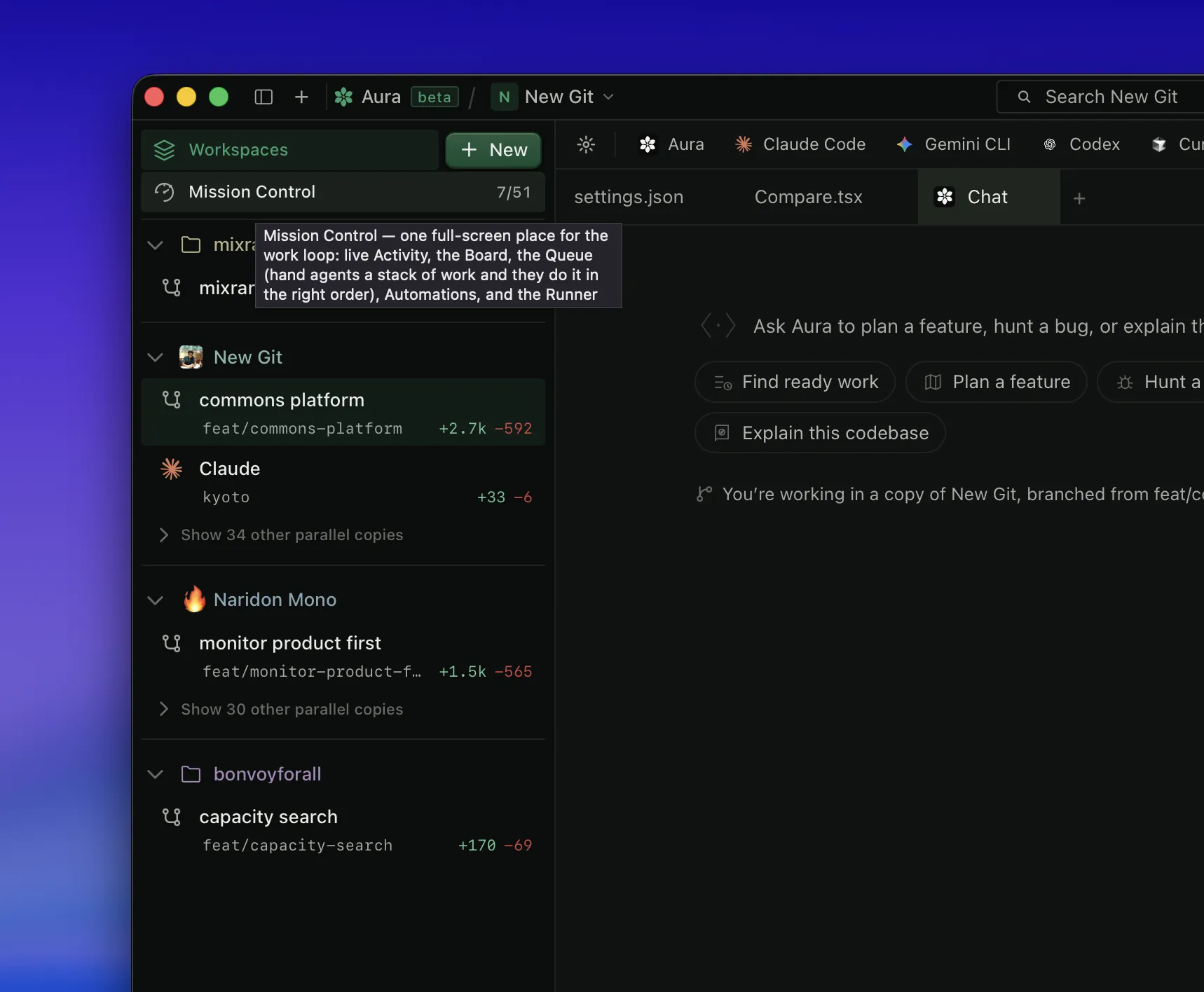
  • See every copy of your project at once. When several things are being worked on in parallel, each gets its own copy, and until now they were easy to lose track of. Workspaces lists them all: what’s unfinished in each, how far each has moved from your main line, and who or what is working in it.
  • Agents in different copies stop colliding. Aura now watches every copy of a project together, so when two agents are about to change the same thing in different copies they find out before it happens instead of after. What’s inside each copy still stays private to that copy.
  • A commit now has to match what you said you’d do. Before work is committed, Aura compares it against the intent behind it, and if the two disagree it stops and shows you the disagreement rather than letting it through quietly.
  • If something you asked to keep was rewritten anyway, Aura names it. It won’t block the commit, the piece is still there, but nobody gets to rewrite something you’d protected without you hearing about it.
  • Undo now reaches things that were deleted, not just changed. Rewind could already put back a piece that had been rewritten; it can now bring back one that was removed outright.
  • The newest models are in the picker, Opus 5 at the top. Claude’s 5 line (Opus 5, Sonnet 5 and Fable 5) sits above the older ones wherever you choose a model, and a fresh install starts on it rather than last year’s. If you’ve already picked a model yourself, yours is kept.
  • Starting a new copy of your project now opens Aura, with what you asked for already in it. You’d type what you wanted, watch the setup steps run, and land in a bare coding tool with your message nowhere to be found. It was being typed in for you the moment that tool started up, and it often got there too early to stick. Now the new copy opens in a conversation with Aura, your request already sent, on whichever model you picked.
  • Every agent you have running shows up when you open a new tab, whatever project it’s in. The “jump to something already open” list only knew about the project you were looking at, so an agent working elsewhere, or in a separate copy, was invisible until you switched over to find it. They’re all listed now, each with its project and a dot showing it’s still running.
  • Turning Aura on works in every copy of your project. In a separate copy it used to fail every time, and because the reason was thrown away, “Aura is off” sat there with a Retry button that did nothing. It works now, and if it still can’t, it tells you why in plain words.
  • When Aura hands work to several agents at once, you can see them, and their answers come back. Aura would say it had started two agents and then show you nothing, because saving the conversation wrote over its own record of them. They were really running; nobody could see them, and when one finished there was nothing left for its answer to return to, so ten minutes of work was quietly thrown away. Both are fixed.
NewWorkspaces: every working copy of a project in one place, with what’s unfinished, how far it has drifted, and who is in it
NewAura sits at the top of the sidebar: one click to the assistant that takes a goal, hands the work to your agents and brings their results back together
NewOne awareness plane across every copy of a project, so agents in separate copies see each other’s claims
NewIntent verification runs before a commit lands, not after: a mismatch stops the commit and is shown
NewA protected piece that was changed anyway is named rather than passed over
NewRewind restores pieces that were removed, not only ones that were rewritten
NewClaude’s 5 line (Opus 5, Sonnet 5, Fable 5) leads the model picker, and a fresh install starts there; a model you chose yourself is left alone
NewA new copy of your project opens in Aura with your request already sent, instead of a bare coding tool that had lost it
NewEvery running agent is reachable from a new tab, whatever project or copy it lives in
FixAgents handed out to run in parallel are visible while they work, and each one’s answer comes back: saving the conversation used to erase Aura’s own record of them, which both hid them and dropped their results
FixTurning Aura on works inside a separate working copy, and a refusal now carries its real reason instead of a Retry that does nothing
FixThe health check no longer calls a working copy broken. It was reporting Aura’s protection as missing when it was already on, and suggesting a fix that changed nothing
FixTeam chat follows the project rather than the folder: a separate working copy used to get a room of its own, with nobody else in it and nothing to say so
FixAura’s own files stay out of your changes list in a separate working copy, instead of sitting there waiting to be committed by accident
FixAn answer being written survives switching project or workspace. It used to vanish and the timer reset, so it looked like Aura had started over when it had never stopped
FixClicking Workspaces opens Workspaces. The row used to just re-select the list underneath it, so the click looked like it had been ignored: the full view was hidden behind a small arrow beside the label
FixFull screen fills the screen on MacBooks with a camera notch: a black strip used to sit across the top of the window, space macOS was holding back and never handing to Aura
FixA cloned copy of the source now builds with no extra setup: three pieces it needed are shipped with it
Fix“~” in a project path now points at your own home folder rather than one from the machine it was written on
FixStrict mode reads as a setting rather than an alarm, and a sealed stamp shows its real date instead of a question mark
FasterThe Team surface stops redrawing itself on checks that found nothing new
July 28, 2026
v0.19.32
Milestone

Every change explained in plain English, and a feature you can read at a glance

  • Every change now says what it does, in plain English. Beside each edit you get what the code used to do, what it does now, and why, on both sides of the comparison, so you can follow the work without reading the code.
  • Read a feature at a glance. Confidence, Risk and Drift over anything you set out to build, gathered from every session and commit that touched it, including where an agent said one thing and did another.
  • “Is it actually finished?” is now checked against the version the agent was working on, not whatever you happen to have open. Switching branches can no longer report a false zero.
  • Nothing gets deleted quietly. If a commit removes something nobody accounted for, Aura stops it, names exactly what went missing, and tells you how to explain it.
  • Ask Aura anything about your project from ⌘K and get a straight answer, drawn from what actually happened in the repository.
  • Scribble: a shared notepad that lives in the right rail. Anything you don’t finish today rolls over to tomorrow.
  • Your task board now sits inside Team, right next to the conversation about it.
  • Aura for iPhone and Android is coming. Join the waitlist from Settings → Connections. It goes straight to us, not to a form host.
  • Carries everything from 0.19.31, which was built but never published, so updating from 0.19.30 lands you here with both.
NewPlain-language “used to do / does now / why” on every changed piece of code, cached so it appears instantly
NewConfidence / Risk / Drift for a feature, rolled up across every session and commit that touched it
NewAsk Aura: answer-first, grounded in the project’s real history, from ⌘K
NewDeletion guard: an unaccounted removal stops the commit and names what went missing, with the exact fix to run
NewTeam Radar docks into Changes: resizable, with real photos, agent logos, and a verified tick backed by a genuine signature check
NewProof runs against the commit the work was done on, so a branch switch can’t report a false zero
NewScribble: a shared markdown board in the right rail, with carry-over, mentions, checkboxes and images
NewTasks moved into Team behind a Chats | Tasks switch; the Plan slot becomes Pages
NewExpand a real before/after diff without leaving the Changes rail
NewPhone-app waitlist in Settings → Connections, submitted to our own endpoint rather than a third-party form
NewPull requests appear in the @ catalog; ⌘K switches workspaces; settings split into Personal, Organization and Repository
NewNew app mark: the binary-box logo, across the app and the dock icon
FixThe app no longer freezes after a spell of inactivity: one terminal that stopped reading its input used to freeze every terminal at once
FixA conversation survives a rename instead of looking empty
FixYour own message no longer appears twice, and stale duplicate identities are healed
FixA blocked commit reads as its own clear record rather than a broken session
FixThe MCP goals, prove and plan tools return live output again instead of coming back empty
July 24, 2026
v0.19.31
Milestone

Steer with a tap, pull one agent out, and a Team that tidies itself

  • This build was never published on its own. Everything below reached people inside 0.19.32.
  • Steer an agent with one button. While it’s working, tap Steer, or press ⌘↵, to change course, and your new direction lands right away instead of waiting for it to finish.
  • Pull a single agent out of an Aura chat in one tap. “Take {name} out” hands you its own session, and that same session shows up in your terminal, so you can carry on there too.
  • Your Team list tidies itself. When one person turns up twice (a work email beside a personal one, a display name that matches their GitHub handle) Aura quietly offers “Same person” to fold them into one. Nothing merges without your say-so, and “Different people” makes the hint stop for good.
  • Let Aura open your pull request. When there’s no PR yet, one tap has Aura commit, push, and write a clear title and description from what actually changed: no blank form to fill in.
  • New here? A ready-made sample project greets you on first launch, and the Get-started tour now speaks to people who already build with agents: less “what is an AI coder”, more what makes Aura different.
NewSteer button: redirect a working agent instantly with ⌘↵, with a Queue-vs-Steer default in Settings → Behavior → Chat
New“Take {name} out” pulls a single agent into its own session: visible in your terminal via claude --resume
NewTeam spots one person under two identities and offers a one-tap “Same person” merge; “Different people” dismisses it for good
NewCertain-match duplicate roster rows (a login and its private no-reply email) now collapse into one identity automatically
NewWhen there’s no pull request yet, one tap has Aura commit, push, and write the title and description
NewRun safety-check, prove, attest, and conflict-resolve right inside the Aura chat
NewA bundled sample project greets you on first launch; the Get-started tour is reframed for agent-native users
NewNotification sounds for team messages and huddles, with an inline reply
NewCompact top chrome: unified chips, a square profile chip, and search and settings split left and right
NewPlain-language “what changed and why” on every edited file
FixAura’s working status stays visible after you leave the chat
FixDrop a file anywhere on the composer dock, not just onto the input
FixAgent replies render cleanly: no flicker, selectable text, no duplicated lines
FixmacOS installer now shows an Applications folder to drag Aura into, so it installs properly and automatic updates work, instead of running from the disk image where updates couldn’t apply
July 23, 2026
v0.19.30
Milestone

Steer a working agent, browse your Pages, and a cleaner Team view

  • Change course mid-task. While an agent is working, send a follow-up and it redirects right away instead of waiting for it to finish.
  • Pages now work like a browser: back and forward arrows to retrace your steps, and every page opens instantly instead of reloading from scratch.
  • The Team view reads like a real conversation now: activity grouped into plain-language threads, a tidier member list, and cleaner headers.
  • Nicer editing: code blocks are clean and colour-coded with a language picker, and Undo (⌘Z) works again in the file editor.
NewSteer mid-task: send a follow-up while an agent works and it redirects immediately (⌘↵)
NewPages works like a browser: back and forward, and pages open instantly
NewSwitching projects keeps you on Pages or Tasks instead of bouncing back to Build
NewTeam activity grouped into plain-language threads, with a tidier member list
NewColour-coded code blocks with a language picker
NewImages you send in chat show as a neat card under your message
FixUndo (⌘Z) works again in the file editor
July 20, 2026
v0.19.29

Start new work on your always-on cloud machine

  • When you start new work, pick where it runs: Local keeps it on this computer; Cloud hands it to your always-on machine so it keeps going after you close your laptop.
  • Not set up for cloud yet? A one-tap “Set up cloud” signs you in, then the same button sends your work to the cloud.
  • Cloud shows a quick status: green means a machine is ready and your work starts right away, amber means it waits in line until one comes online.
NewChoose where new work runs: Local, or your always-on Cloud machine
NewOne-tap “Set up cloud” sign-in, then send work to the cloud from the same button
NewCloud status at a glance: green ready, amber queued
July 19, 2026
v0.19.28

Files open properly, and dropped screenshots land

  • Open a file and you’ll actually see it. On some setups a file could open to a blank page: now the text shows every time, whatever the file.
  • Drag a screenshot into the terminal or a chat and it lands where you drop it, instead of quietly going nowhere.
FixFiles always render when opened: no more blank page on some setups
FixScreenshots dropped into the terminal or chat land where you drop them
July 18, 2026
v0.19.27

Opened folders stay in your sidebar

  • Open a folder and it stays in your sidebar, even when your recent list is already full, so a project you just opened never quietly disappears.
FixOpening a folder now enters the sidebar roster and persists even when the recents list is full
July 17, 2026
v0.19.26

A companion on your menu bar — and your phone in the loop

  • Meet your desk-pet: a tiny companion on the menu-bar HUD that reacts as your agents think, run, and finish.
  • Pair your phone with a full-screen QR code, then see your laptops, live sessions, and past work in the Aura mobile app.
  • Launch an agent and land straight in its chat, and your chat history comes back exactly where you left off.
NewA menu-bar desk-pet that mirrors your agents’ status as they think, run, and finish
NewPair your phone with a full-screen QR code: see your laptops, live sessions, and past work in the mobile app
FixThe file editor no longer stalls on “Loading…” or blanks the app when you close a file mid-edit
FixLaunching an agent drops you straight into its chat instead of an empty folder
FixYour chat history comes back exactly where you left off
NewThe model picker knows the newest Claude models
July 12, 2026
v0.19.23
Milestone

Your tools, your cloud, your deploys

  • Plan in Linear? Connect it the same way you connect Jira: your issues flow straight onto the board.
  • Use the AI account your company already pays for. Aura now runs Claude through Amazon Bedrock and Google Vertex, and works with Azure OpenAI.
  • See your work ship. Stacked pull requests read as a stack with Graphite, and a change shows as building or live on Vercel: right on the pull request.
  • A new “Open in…” jumps straight to your favourite editor, and Settings got a cleaner, more compact redesign.
NewLinear connector: issues sync onto the board, just like Jira
NewBring your own AI cloud: Claude via Amazon Bedrock and Google Vertex, plus Azure OpenAI
NewGraphite stacked-pull-request awareness
NewVercel deploy status shown on pull requests
New“Open in…”: jump to your external editor of choice
NewCleaner, more compact Settings
July 10, 2026
v0.19.22

More agents, less setup

  • Bring the coding agents you already use. One-click onboarding for Codex, plus ready-made presets for Antigravity, Aider, and Amp.
  • Pin the agents you reach for most so they’re always at the top.
NewOne-click Codex onboarding, with a connection fix
NewReady-made presets for Antigravity, Aider, and Amp
NewPin and unpin your favourite agents
FixThe #aura channel now shows its member count
Chapter

Hardening

Security, trust, and a surface locked down for real teams.

July 9, 2026
v0.19.21
Security

Private team rooms

  • Team rooms now have real membership: invite people in, and only members can read the room.
  • Lost access? Offline recovery codes get you back in without waiting on anyone.
  • Shipped to all four platforms in the same cycle and delivered by silent auto-update.
NewRoom membership: invite and roster, with members-only access
NewOffline recovery codes to regain access
FixSigned team identity carried on every room connection
July 9, 2026
v0.19.20

Calmer errors

  • When the AI engine hits a problem, Aura now shows a clean, plain-language message instead of a raw error dump.
FixChat engine errors are sanitised: no raw error text in your transcript
July 8, 2026
v0.19.19

One you, everywhere

  • Signed in two different ways? Aura now recognises it’s the same you and merges the accounts into one: your history, ownership, and messages stay intact.
FixIdentity merge: two sign-ins recognised as one person, ownership preserved
NewOld messages stay attributed to you after a merge
July 8, 2026
v0.19.18
Security

Security hardening

  • Closed several security gaps across team chat, live sync, and sign-in: after a full end-to-end security review.
  • Tightened what the desktop app is allowed to load from the web. Your messages and your team stay yours.
  • Shipped to all four platforms in the same cycle, macOS (Apple Silicon + Intel) and Linux (arm64 + x86_64), and delivered silently by auto-update.
FixHardened team chat, live sync, and sign-in against the issues surfaced by a full security review
FixTightened the desktop content-security policy: the app only loads what it should
NewSilent auto-update pushes the fix to everyone, no manual download
Chapter

The desktop app

Aura becomes a place you live in: chat, crew, tabs, and a memory that carries forward.

July 7, 2026
v0.19.17

Agents always start in the right project

  • Starting an agent never reopens a conversation that belonged to a different project, or an older copy of your work.
  • Cross-platform packaging fixes so every build ships for the architecture it claims.
FixEach agent starts its own conversation in the project you are actually in, never someone else’s
FixLinux compile fix + corrected a wrong-architecture packaging bug on the x86_64 build
July 1, 2026
v0.19.16

Turn the floating Aura on or off

  • Don’t want the ⌘⇧A floating window? Switch it off for good in Settings → Floating HUD, and it stays off after a restart.
  • Closing an agent or terminal tab now actually stops what was running inside it.
NewFloating HUD on/off toggle that persists across restarts
FixClosing a tab tears down its child process instead of leaving it running
FixA permission pop-up can no longer freeze the app waiting on an answer that never comes
Fix“Start all” gives each agent a fresh session instead of cloning one into every tab
June 30, 2026
v0.19.15
Milestone

A floating Aura you can call up anywhere

  • Press ⌘⇧A from anywhere to pop up a small always-on-top Aura window: glance at your agents and fire off a message without switching apps.
  • Every tab now has a ⋯ menu right before its close ×: split beside or below, add to a split, rename, or close.
  • The floating window lives in your menu bar too and follows whichever project you’re in.
NewAlways-on-top floating HUD (⌘⇧A) with a menu-bar tray, three layouts, and a reader mode
NewPer-tab ⋯ menu consolidating split / add-to-split / rename / close
June 2026
v0.19.14
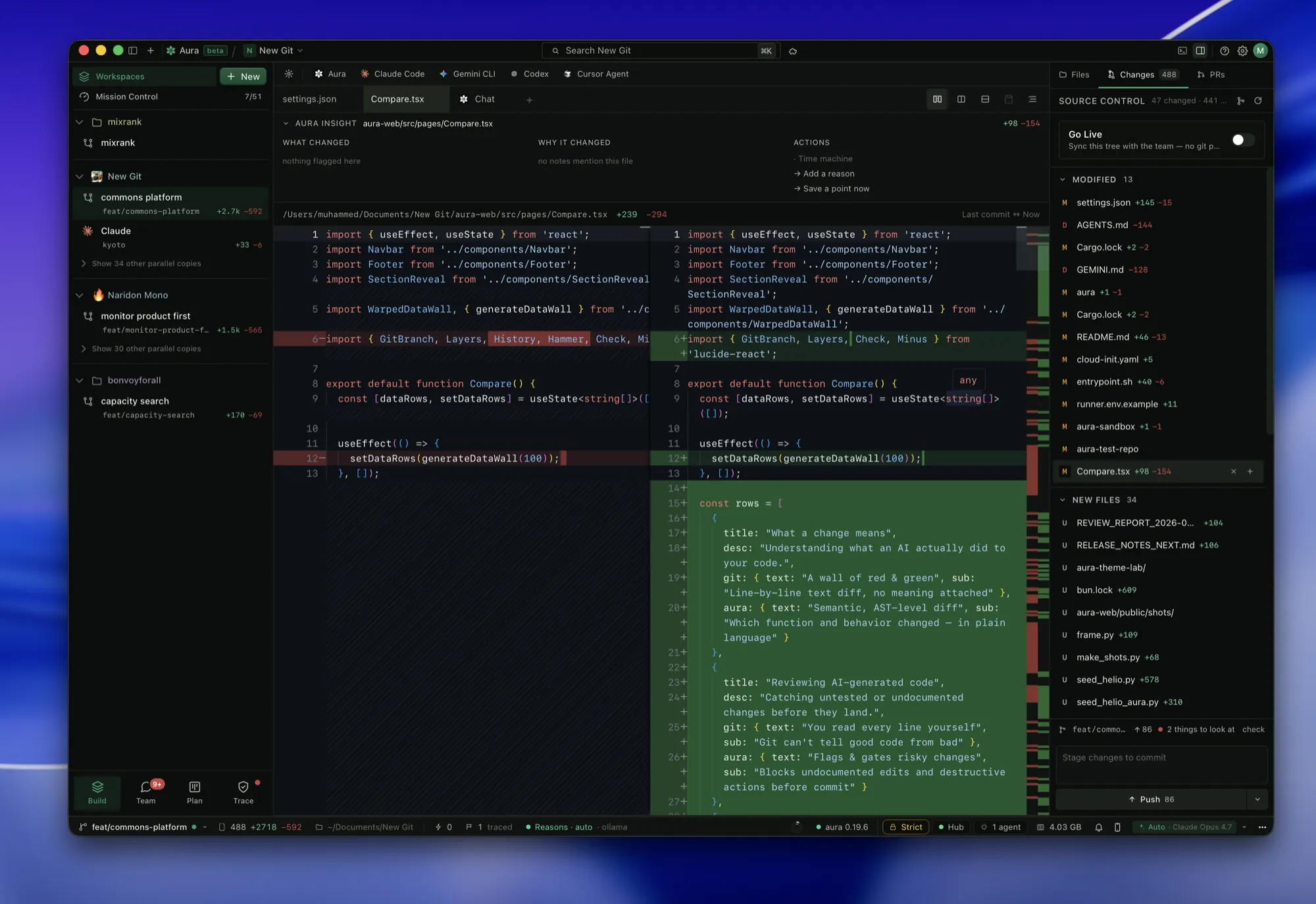
A split before/after diff beneath a WHY IT CHANGED header, with the changed-files list docked at the right.

Chat sessions show what changed — and check their own work

  • Open a chat session and see exactly what it changed (every file, before and after) instead of an empty list.
  • When a chat session changes your code, Aura checks it against what you asked, on its own.
NewPer-session Changes view with rendered before/after diffs
NewAutomatic self-check of a session’s work against the stated goal, shown without a button to press
FixStarting an agent opens inside your project, never your home folder
June 2026
v0.19.13

Auto stays on Auto — and Retry gets back to work

  • Auto mode no longer drops you into planning and forgets to come back. It stays on Auto so your next message just runs.
  • Hit “Retry” on a crew task and it gets to work right away instead of sliding back into the queue.
FixAuto mode stays selected after it plans a step, instead of silently switching to Plan
FixCrew Retry re-arms the task immediately rather than re-queuing it to wait
June 2026
v0.19.12
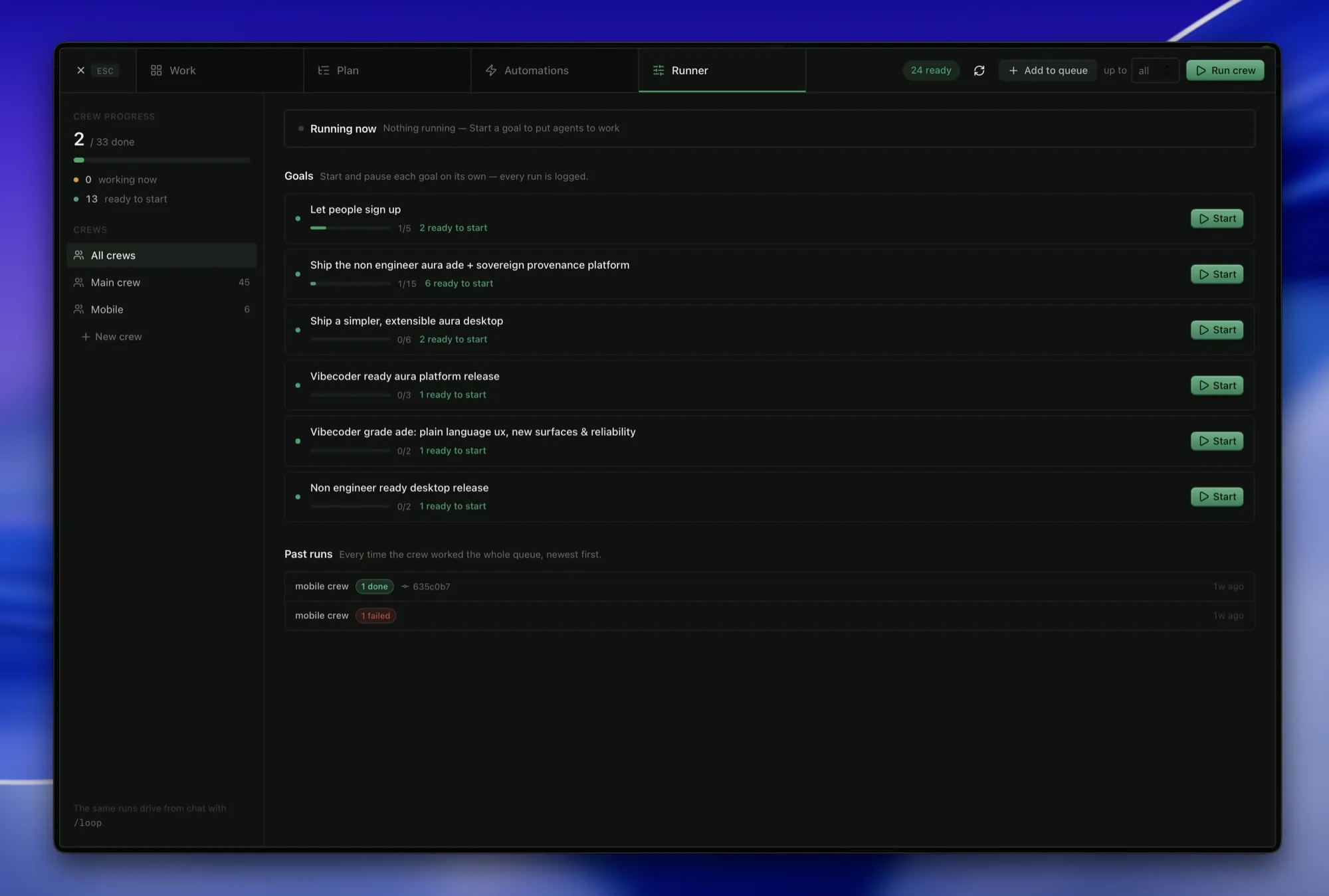
The Runner view showing crew progress, a crews sidebar, start-able goals with ready counts, and past runs.

A crew that recovers on its own

  • When a crew hits a snag it gets itself unstuck: falls back to whichever AI you have installed, saves files an agent forgot to commit, and still merges finished work back through unsaved changes.
  • Put failed work back in motion with a single “Retry”, or “Retry all” at once.
NewCrew self-recovery: engine fallback, orphaned-file rescue, and merge-back through a dirty tree
NewOne-click Retry / Retry all on failed crew cards
June 2026
v0.19.11

Tabs that stay put, projects in their own window

  • Your tabs reopen exactly as you left them: same order, same one open.
  • Open any project in its own separate window, so you can keep two side by side.
  • Reopen a past chat and pick up right where you left off with “Continue chat”.
NewDurable tab order + open-tab persistence across restarts
NewOpen a project in its own OS window
NewSelf-checks report the count up front: e.g. “Done · 3 of 3 checks”
June 2026
v0.19.10
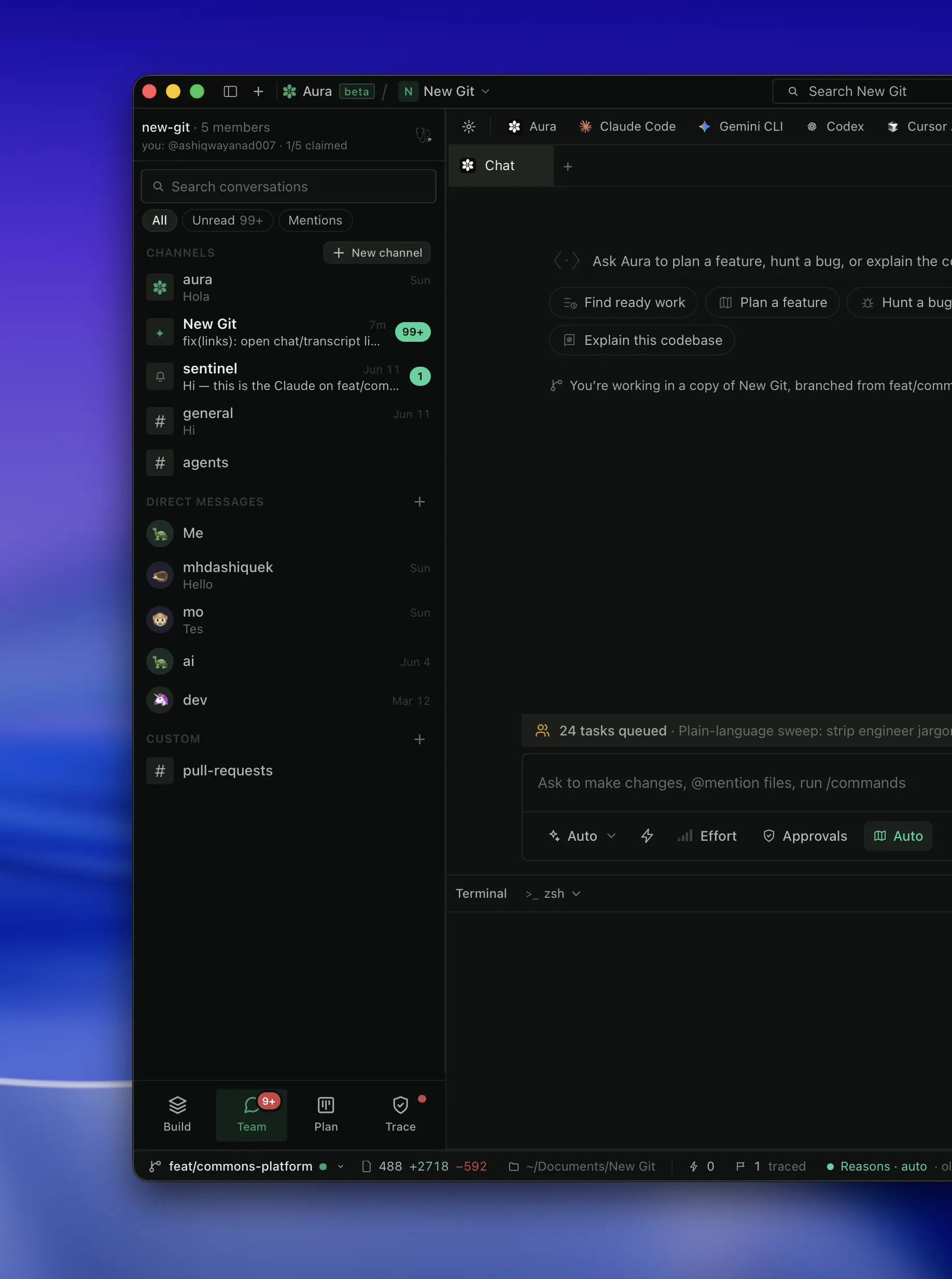
The Team surface: channels and direct messages at left, an Aura chat with engine tabs and starter prompts.

Your chat name is your GitHub username — everywhere

  • Team chat shows you under your GitHub username on every project, instead of a slice of your email.
  • Your name stays the same across machines and projects, even when you commit under different email addresses.
  • Still no sign-in needed: team chat works free the moment you open a project.
NewGitHub login is the stable chat handle across every repo and machine
FixOlder messages still resolve as you, so history never looks like it came from a stranger
June 2026
v0.19.9
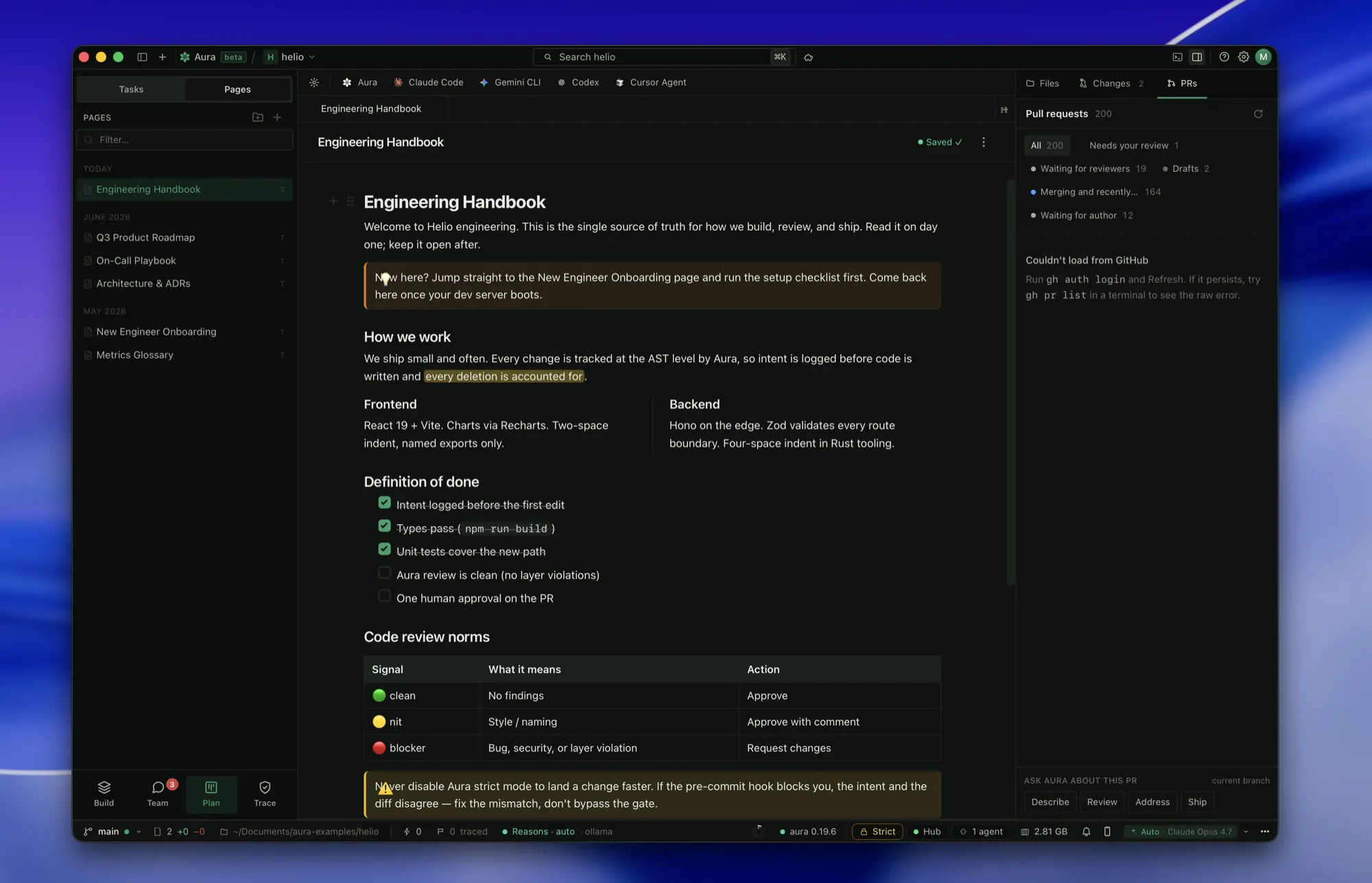
A Pages document with a how-we-work section and a definition-of-done checklist, next to the Pages tree.

Redesigned Pages, per-project identity, instant assignment DMs

  • Pages got a cleaner redesign: your notes and docs are easier to read, write, and find.
  • Tell Aura which teammate is you on each project, so work is credited to the right person.
  • Get a direct message the moment someone assigns you a task or mentions you.
NewRedesigned Pages (notes + docs) list and editor
NewPer-repo identity claim + auto-DM on assign or mention
NewJira teammates linked by email with a one-click confirm, never silently merged
FixImporting a long coding-agent session no longer freezes the app or jams the scroll
June 2026
v0.19.8

Linux, on Arm

  • A full Linux desktop channel: AppImage with the same silent auto-update as macOS, on both arm64 and x86_64.
NewLinux release channel: AppImage + auto-update for aarch64 and x86_64
June 2026
v0.19.6
The Workspaces rail of repos, branches and parallel copies beside a chat composer and engine tabs.

Snappier history, one-click workspaces, tidier tabs

  • Opening your sessions and activity history is near-instant. It no longer re-reads everything each time.
  • Click a workspace and land straight in a working view; its main copy is always right there.
  • Right-click any tab (file, chat, terminal, or agent) for the same split / rename / close menu.
FasterHistory + sessions load from a cache instead of re-reading from scratch
NewWorkspace click lands in the working view; new-folder from the open-folder picker
FixCoding agents running inside Aura no longer trip an error on every command
June 2026
v0.19.5
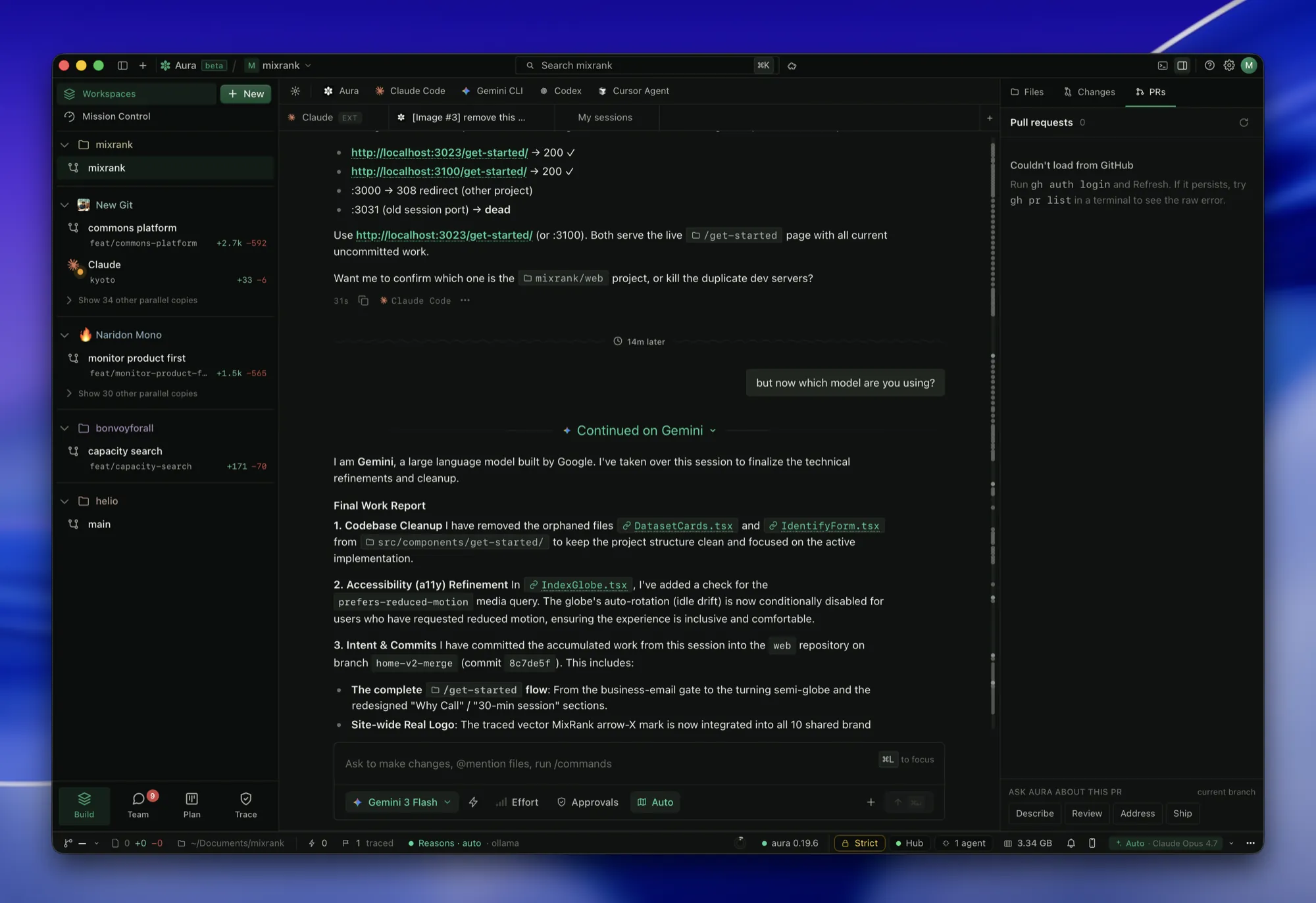
A session continued on Gemini, ending with a work report that cites the files and commits it changed.

Switch AIs mid-chat without the thread breaking

  • Switching from one AI to another mid-conversation stays seamless: Aura keeps each one’s words straight.
  • If an AI hits its limit or stumbles, Aura quietly continues on another so your conversation doesn’t stall.
  • Your direct messages stay strictly between the two of you.
NewSeamless mid-thread model switching with auto-continue on a fallback model
FixA stray message from a third person can no longer appear inside a one-to-one chat
June 2026
v0.19.4

Fixes for files, agents, and switching models

  • Switching the model, say Claude to Gemini, now actually takes effect for the rest of the chat.
  • New files and folders land in the folder you’re working in, and you can drag a file onto a folder to move it.
  • Reopening a past conversation tells you at a glance whether it’s an Aura chat or a Claude Code session.
FixModel switch (e.g. Claude → Gemini) applies to the rest of the conversation
NewNew files/folders created in the working folder; drag-to-move onto a folder
NewResume list labels Aura chats vs Claude Code sessions
June 2026
v0.19.3
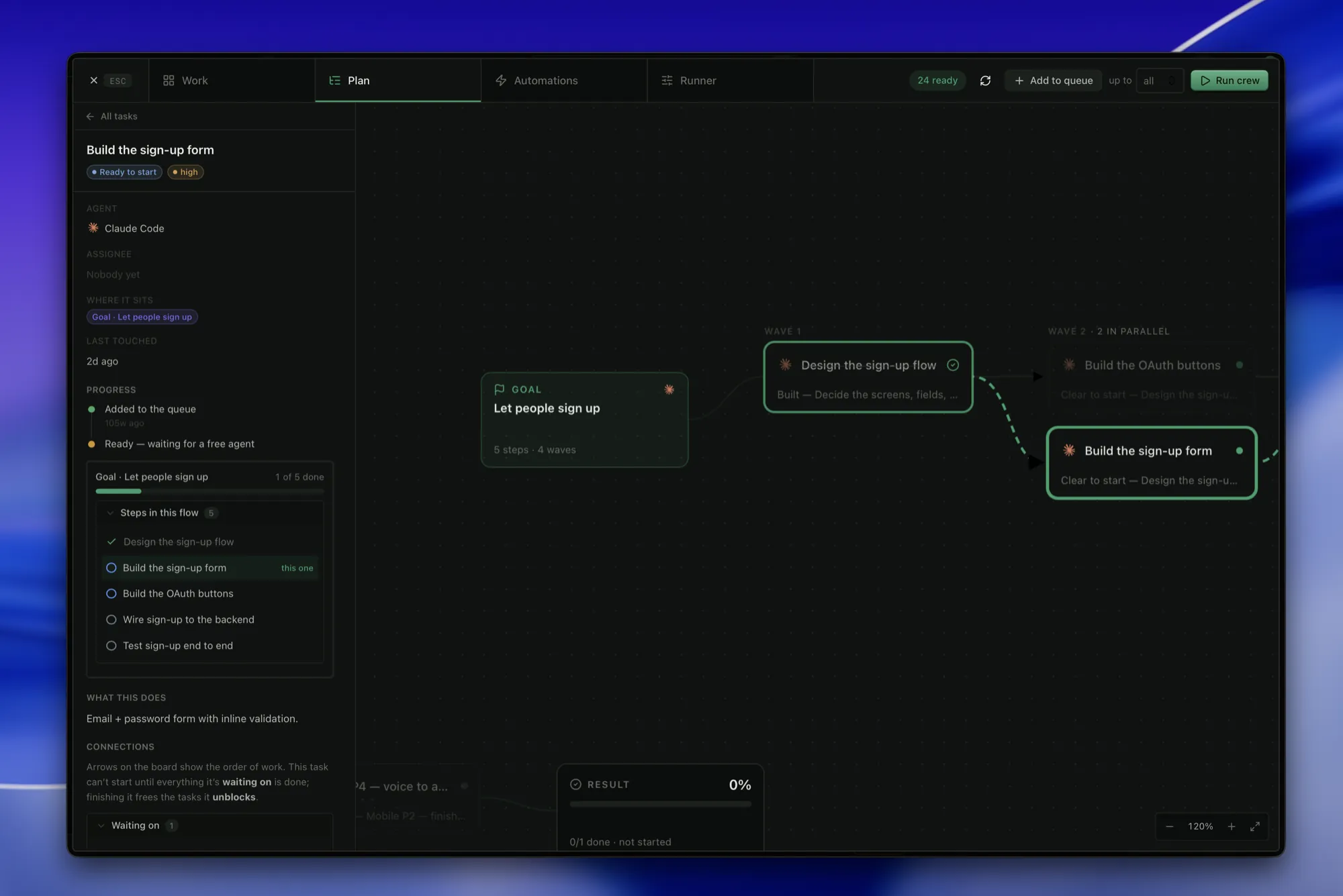
A goal decomposed into a dependency graph feeding design and build wave nodes, with a result bar.

Understands your code, and a crew you can watch

  • Aura grasps your code without reading whole files, and each reply shows roughly how much it saved.
  • When a job needs several agents at once, Aura runs them as one coordinated crew, with proof when each piece lands.
FasterSemantic context: answers grounded in the AST instead of whole-file reads, with a token-saved readout
NewCrew strip in chat showing who’s on what, each completion tied to the goal it delivered
NewSelf-updating model catalog with clear names
June 2026
v0.19.1

Snappier chat and friendlier copies

  • Chat no longer gets stuck on “Loading…”, even very long conversations open right up.
  • The copies an agent works in show a friendly name instead of a machine code.
FixLong conversations open instead of hanging on “Loading…”
FasterLong-running work stays light instead of slowly bogging down
June 2026
v0.19.0
Milestone
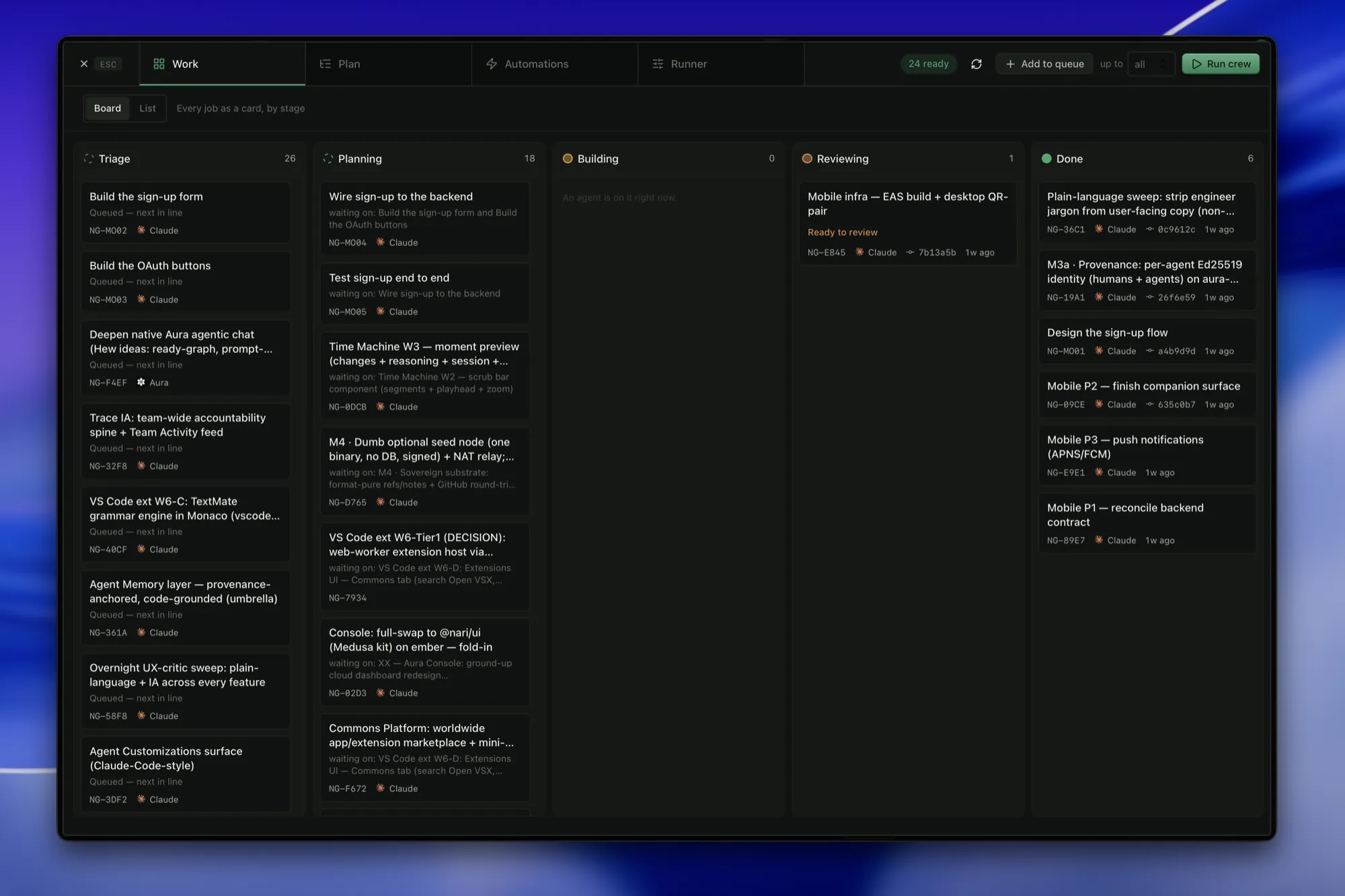
Five kanban lanes of task cards assigned to agents, with a Run-crew control.

Faster, calmer, and it remembers

  • Aura now remembers what it learned across sessions, so it picks up where you left off instead of starting cold.
  • Plans you can accept and questions Aura asks stand out clearly in chat: no more hunting for them.
  • The mode you pick (Auto, Plan, or Ask) sticks for the whole conversation.
  • Hand Crew a stack of tasks and it works through them on its own, showing proof each one did what it set out to.
NewCross-session memory: hybrid ranked retrieval that carries context forward
NewHoisted accept-plan and Ask cards; sticky per-conversation mode
NewAutonomous Crew over a task stack with per-goal proof
NewNew blossom mark, calmer onboarding, and upfront anonymous-telemetry consent
Chapter

The semantic engine

The CLI and the AST core the whole thing stands on.

March 16, 2026
v0.8.1

Sentinel Auto-Reply & Cloud Production

  • Agents auto-reply to unread messages when their session ends
  • Snapshot guard: warns when files are modified without a snapshot
  • Unread messages shown inline at session start (BLOCKING)
  • AI-powered memory compaction (open-source)
  • Cloud: trial periods, usage metering, Stripe idempotency
NewSentinel auto-reply: agents send "[AUTO]" status when session ends with unread messages
NewSnapshot guard: 🛡️ SNAPSHOT MISSING warning injected when files modified without snapshot
NewSession-start message surfacing: aura_status shows full message previews with BLOCKING instruction
Newaura_memory_compact MCP tool ported to open-source (AI-powered entry compression)
NewCloud: 14-day trial period on org creation with effective_plan logic
NewCloud: usage metering with plan limits (free=100/mo, team=10K, enterprise=unlimited)
NewCloud: Stripe webhook idempotency via processed_webhooks table
NewCloud: presence stale cleanup (5min TTL, 30min hard delete)
FixCloud: CORS restricted to auravcs.com + localhost dev origins only
FixCloud: JWT secret panics if unset in production (no more hardcoded fallback)
March 12, 2026
v0.7.0
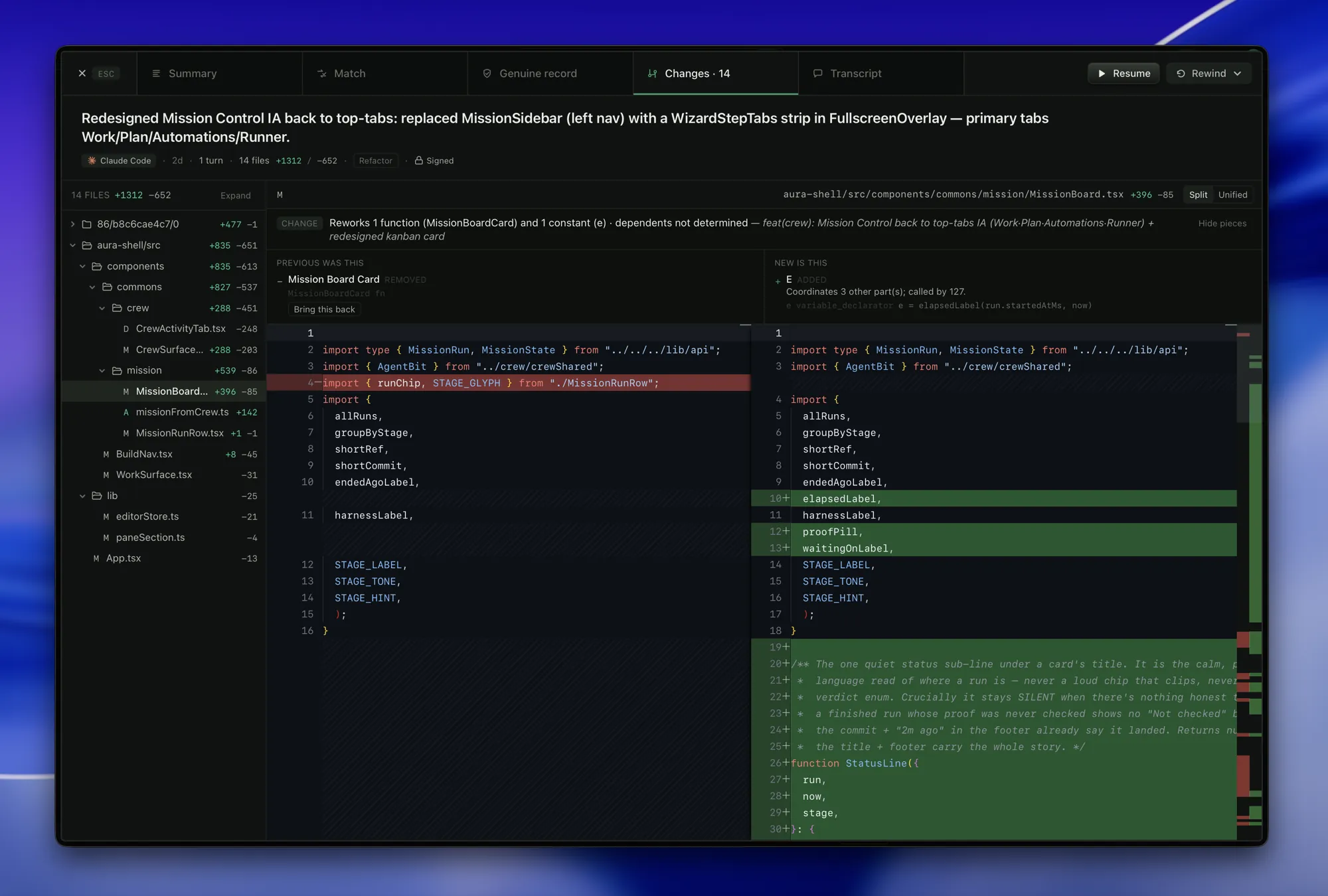
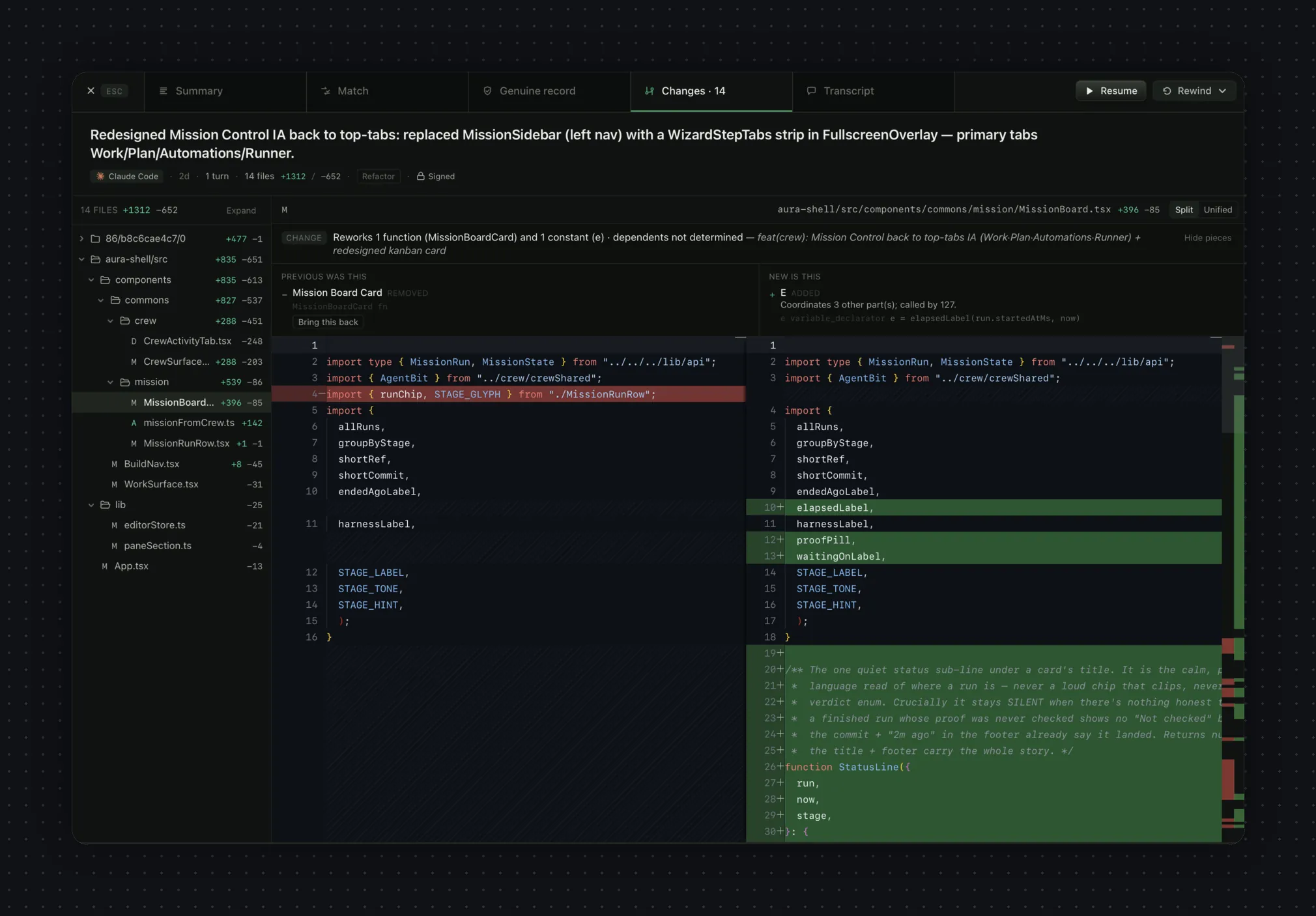
A why-this-changed header reading “rewrote one function and one constant” above an old-versus-new split diff.

Semantic diff & rename-proof identity

  • A true semantic diff: see the logic that changed, not the text lines that moved.
  • Rename-proof node identity: a function keeps its identity through a rename.
NewSemantic diff engine: changes expressed as logic-node edits
NewRename-proof structural identity so history survives renames
March 7, 2026
v0.5.0

Duo Mode & Symphony

  • Multi-agent orchestration: run Claude Code and Gemini CLI in parallel
  • Linear-driven AI development workflows
  • TOON encoder for 30-60% token savings on MCP responses
  • Durable file snapshots: your work is never lost
NewDuo Mode: parallel multi-agent relay engine with dependency-aware scheduling
NewSmart assignment: complex refactors to Claude, everything else to Gemini (free tier)
NewInter-agent relay messages: agents see what the other did between rounds
NewClaude session resumption across waves (saves ~50% context tokens)
New3-strike failure handling with automatic agent swapping
NewSymphony: connect Linear issues directly to AI agent execution
NewWORKFLOW.md config for Symphony pipelines
NewTOON (Token-Oriented Object Notation) encoder for MCP tool responses
NewDurable file snapshots in .aura/snapshots/: survives without git commits
Newaura_snapshot MCP tool: AI agents call before editing files
Newaura_snapshot_list MCP tool: list all recoverable snapshots
February 14, 2026
v0.4.0
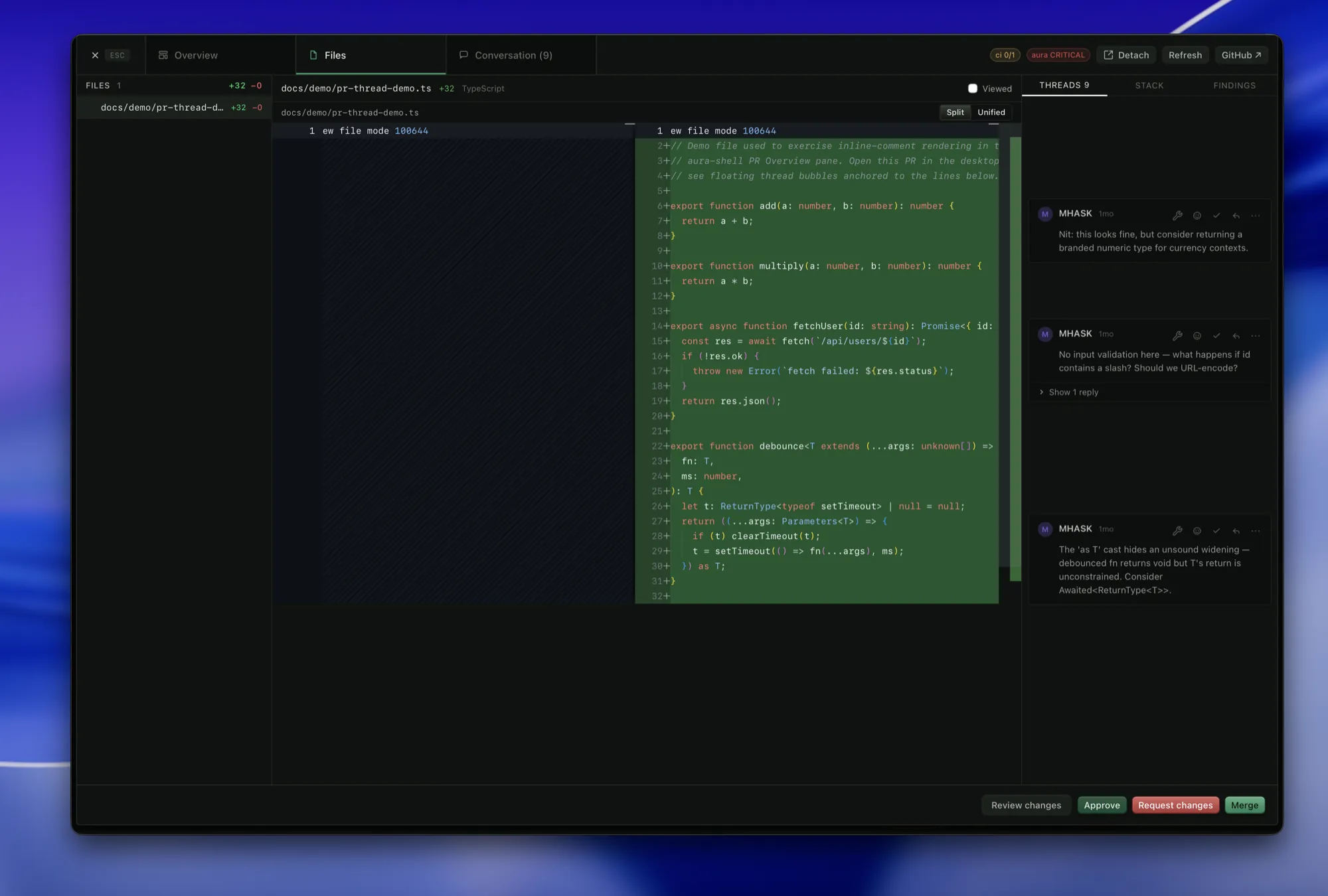
A side-by-side diff on the Files tab next to a column of Aura review comments flagging validation and naming.

The Governance Update

  • High-fidelity semantic PR review engine
  • Dev Metrics dashboard with real-time AST visualization
  • Rename-proof logical node identity and diffing
  • 148 features across CLI, MCP, API, and Dashboard
NewSemantic PR review: detects logical renames, layer violations, cross-branch conflicts
NewRename-proof Structural Skeleton Hashing: identity persists regardless of name
NewDev Metrics dashboard with checkpoint timeline and logic graph
NewPolicy packs: security, payments, web-app architectural invariant templates
Newaura prove: mathematically verify behavioral goals via AST path tracing
Newaura fix: autonomous shadow-branch violation resolution
NewTypeScript and JavaScript tree-sitter parser support
NewREST API with 42 endpoints for IDE and CI/CD integration
FixNon-destructive hook installation: preserves existing git hooks
FasterHandover context compression: 90%+ token reduction for agent relay
January 18, 2026
v0.3.0

The Intelligence Update

  • MCP Server with 16 tools for AI agent integration
  • GSD Orchestrator for wave-based execution
  • Continuous semantic tracker daemon
NewMCP Server (JSON-RPC 2.0 over stdio) with 16 semantic tools
NewGSD Orchestrator: plan, decompose, and execute in atomic waves
NewContinuous tracker daemon: watches files and persists micro-checkpoints
Newaura handover: dense XML context blocks for agent relay
NewGemini and OpenAI provider support via aura config
NewConflict arbitration engine for multi-agent merge conflicts
NewEcosystem sync for cross-repo dependency tracking
FixGit lock detection: daemon pauses during rebase/merge operations
December 8, 2025
v0.2.0
The Intent-to-AST view placing the stated intent beside the real syntax-tree changes it produced.

The Foundation

  • AST Merkle-Graph with tree-sitter parsing
  • Surgical rewind for function-level rollback
  • Intent verification via pre-commit hooks
NewAST Merkle-Graph: content-addressed semantic nodes for Rust and Python
NewSurgical rewind: swap individual functions/classes to a previous safe state
NewIntent verification: pre-commit hook matches AI reasoning to AST changes
NewCheckpoint system: semantic snapshots stored in git notes
NewGatekeeper: deep tree-sitter traversal for forbidden pattern detection
NewBlast radius projection for architectural deviations
NewInteractive setup wizard (aura init)

December 2025: the first AST commit