One composer, any brain
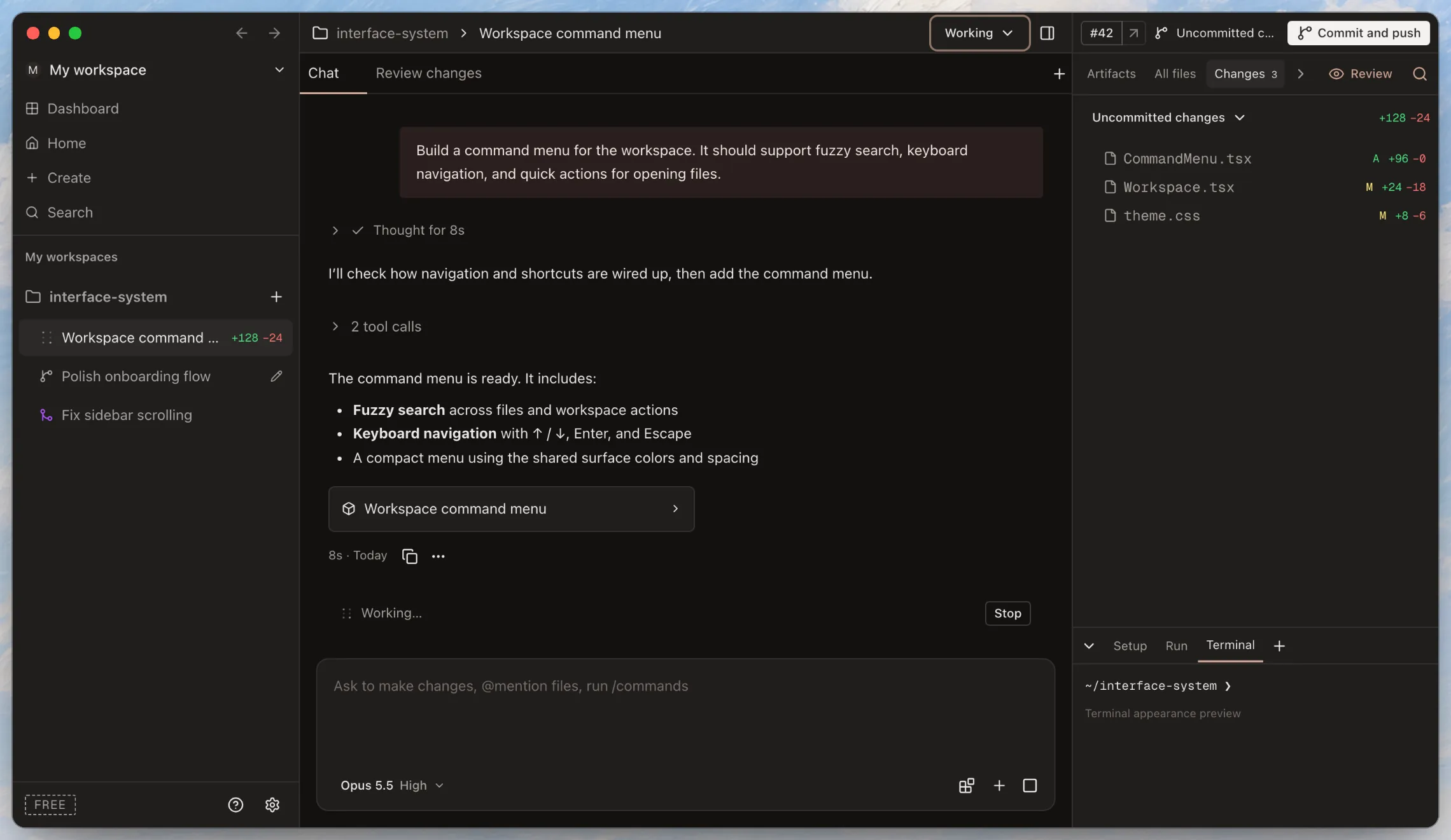
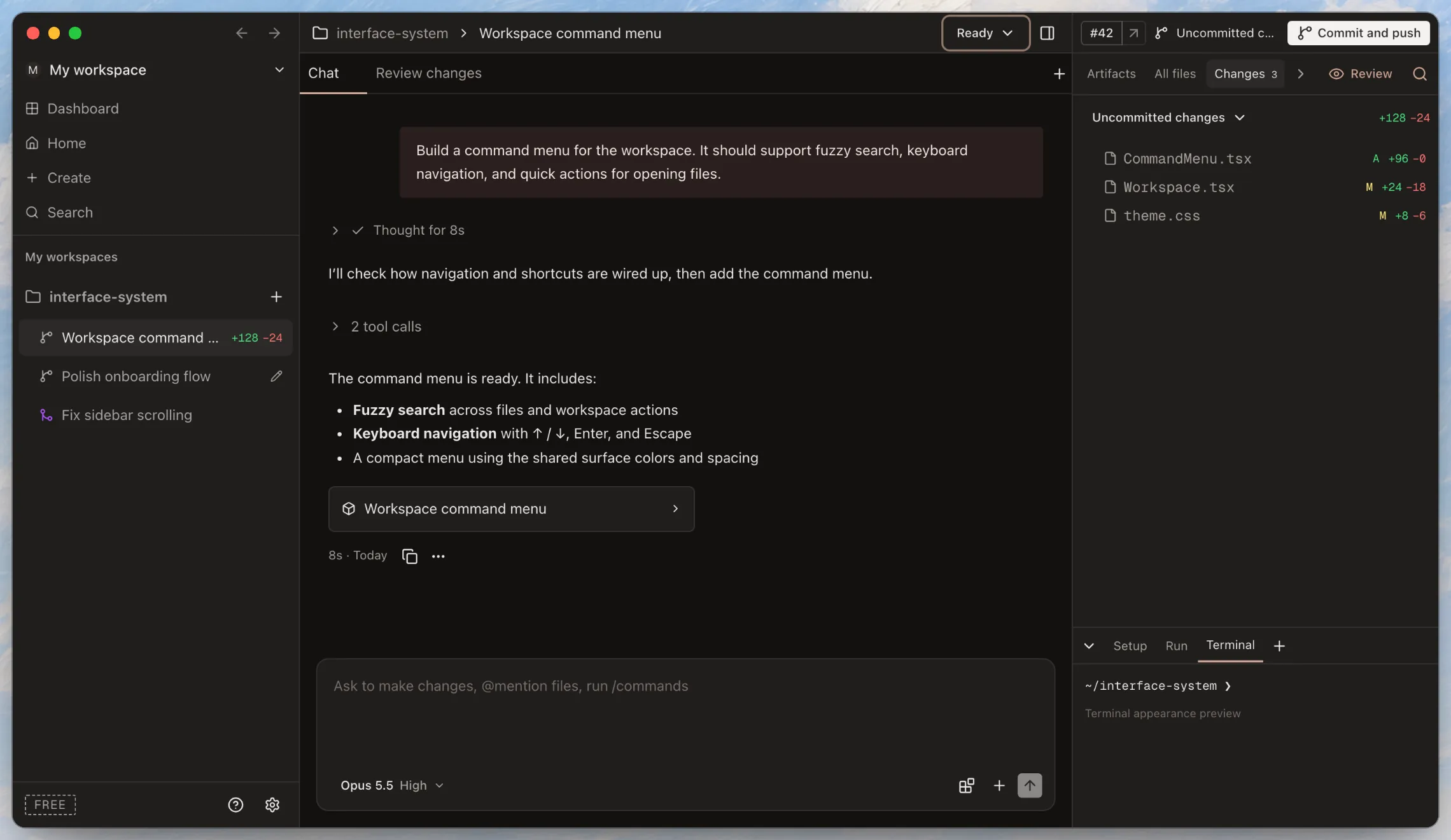
Type once and send to whichever agent fits, and switch the brain mid-conversation without losing the thread. No more juggling seven terminal windows.
┌┐└┘ the Aura desktop
// Mission Control
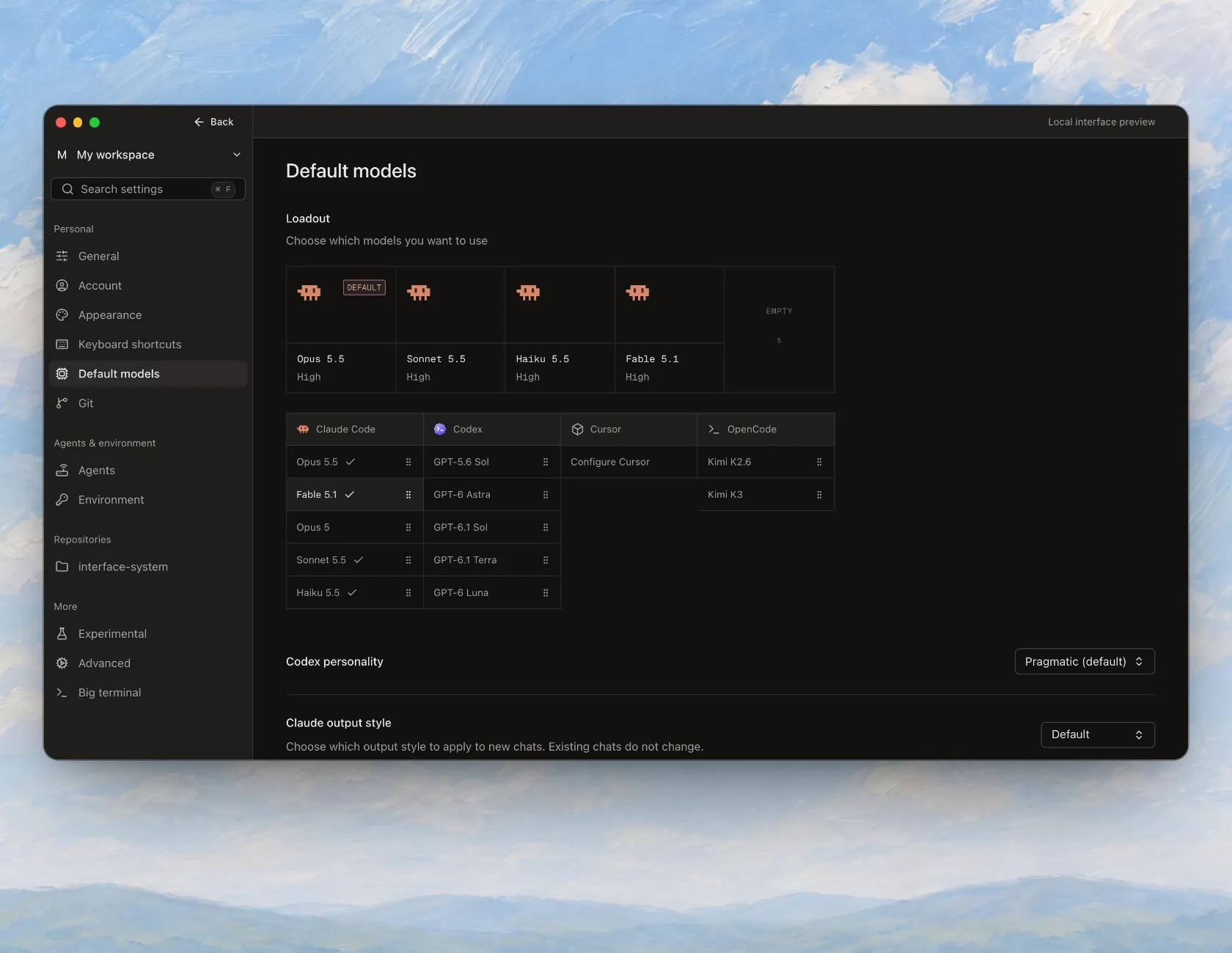
Claude Code, Gemini, Antigravity, Cursor, Codex, Open Code and Kimi run side by side on one shared history: one composer, one project, one place to see what each one is doing right now.
One composer for every engineSwitch brain mid-threadTasks, branches and PRs in view
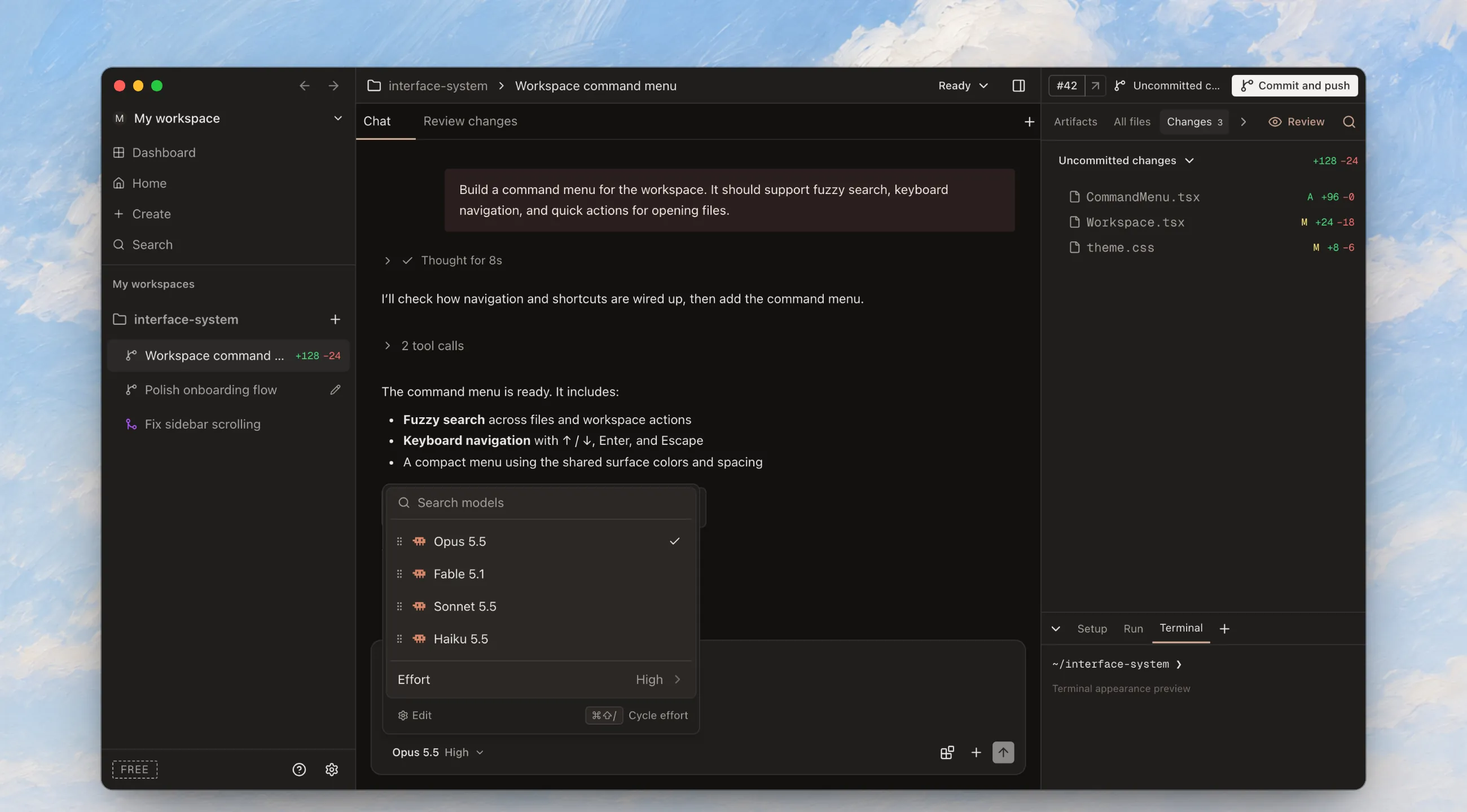 fig. 01 · the Aura desktop · choose the agentit worksit answers
Give them one window and one history. Aura runs Claude Code, Gemini, Cursor, Codex, Kimi and Open Code side by side on the same project, with one composer to send work to whichever fits and one pane showing what each is doing right now. The agents stay themselves; what changes is that you stop being the integration layer between seven terminals.
Type once and send to whichever agent fits, and switch the brain mid-conversation without losing the thread. No more juggling seven terminal windows.
the Aura desktopTasks, branches, pull requests and live agents share one pane. You see what is in flight, what is blocked, and what just shipped: at a glance.
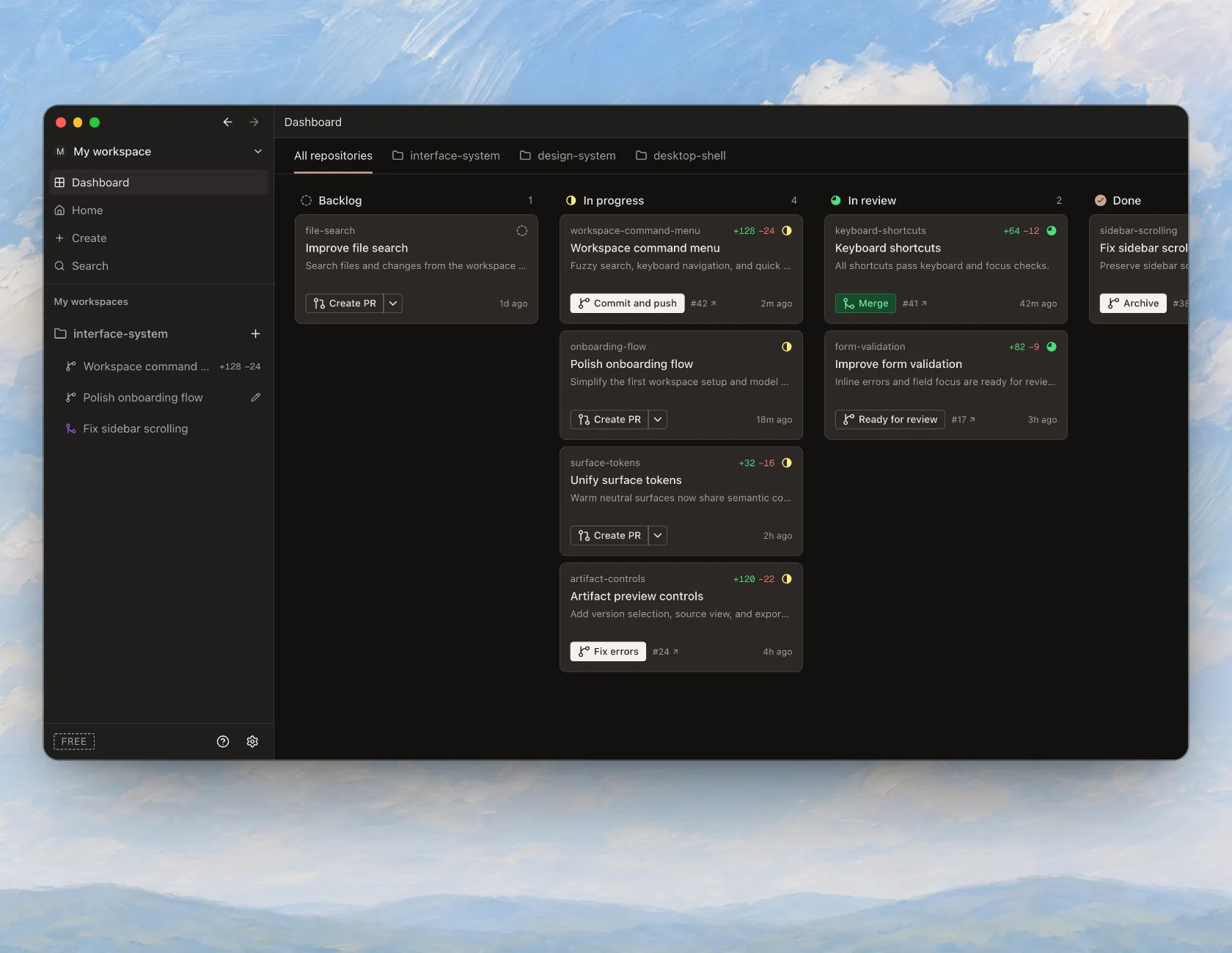 the Aura desktop
Presence, chat and hand-offs sit beside the work, so a human and five agents stay in sync without a status meeting.
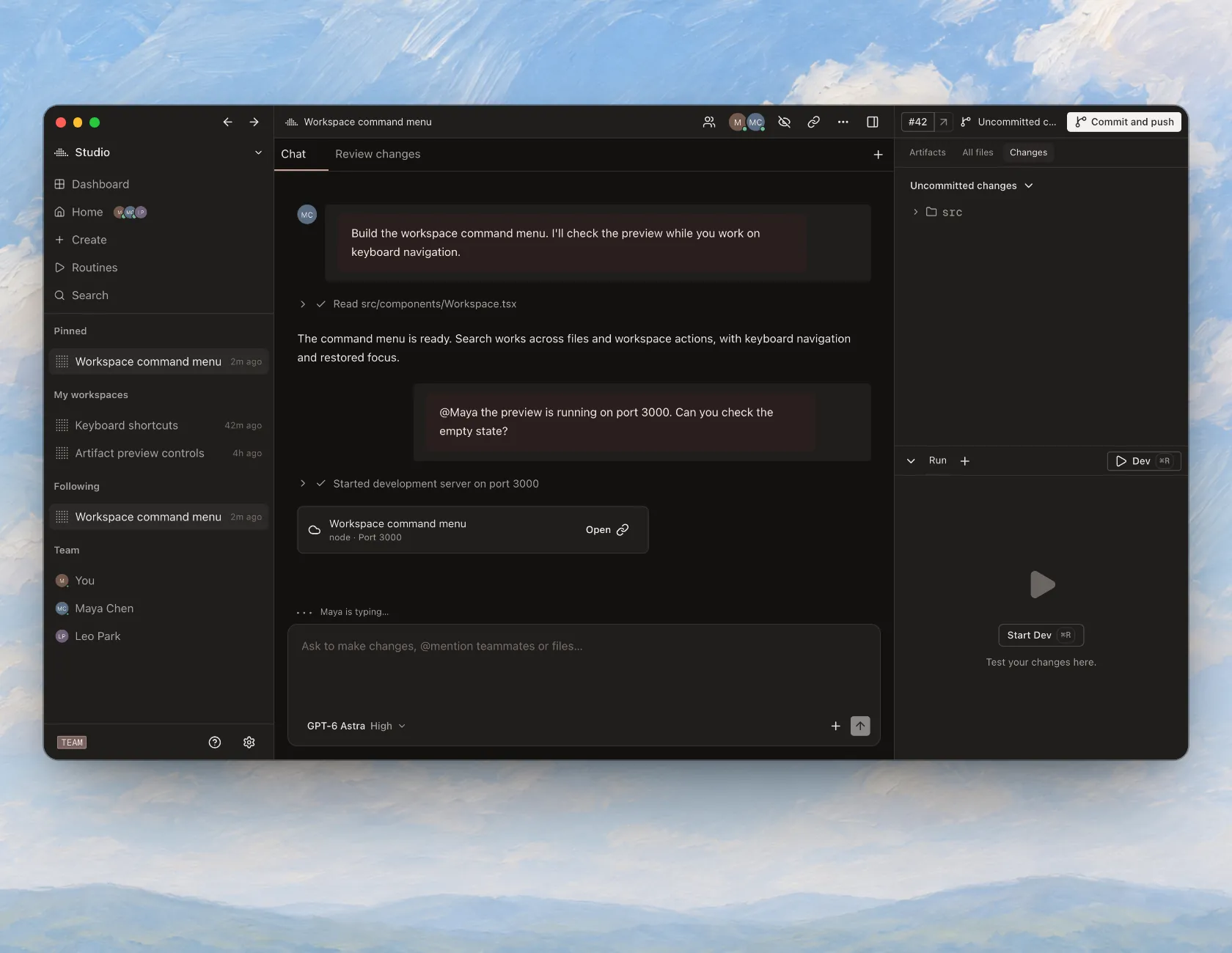 the Aura desktop
The autonomous work-loop that ships proven fixes
Semantic diff, intent on every commit, PRs
Every change tied to the goal it delivered
Recall an agent can query before it edits
A live awareness plane so agents never collide
Hand a job to an always-on machine, get the result back
Free public beta, Apple Silicon. Also for Intel Macs, Linux arm64 and Linux x86_64. The CLI installs with curl -fsSL https://auravcs.com/install.sh | bash